How to Edit Your Profile in CoreCoach
Editing your profile as a coach
Written By Jacob Elliott
Last updated 4 months ago
Updating your CoreCoach profile helps you keep your information accurate and showcase yourself as a coach. Here’s how you can make changes:
Accessing Your Profile
Tap your profile picture in the top right-hand corner.
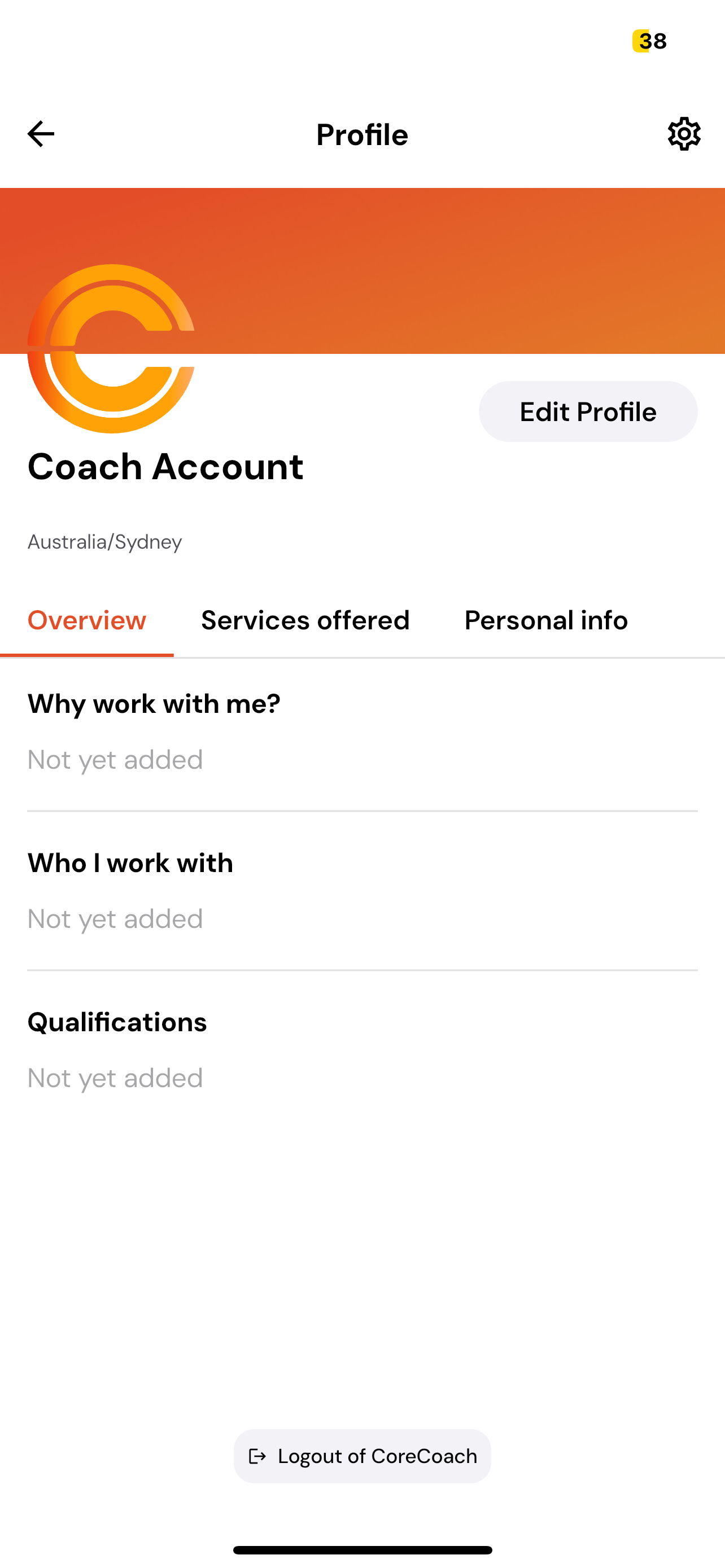
Inside your profile, you’ll see three main sections:
Account Overview
Services Offered
Personal Info
Changing Account Settings
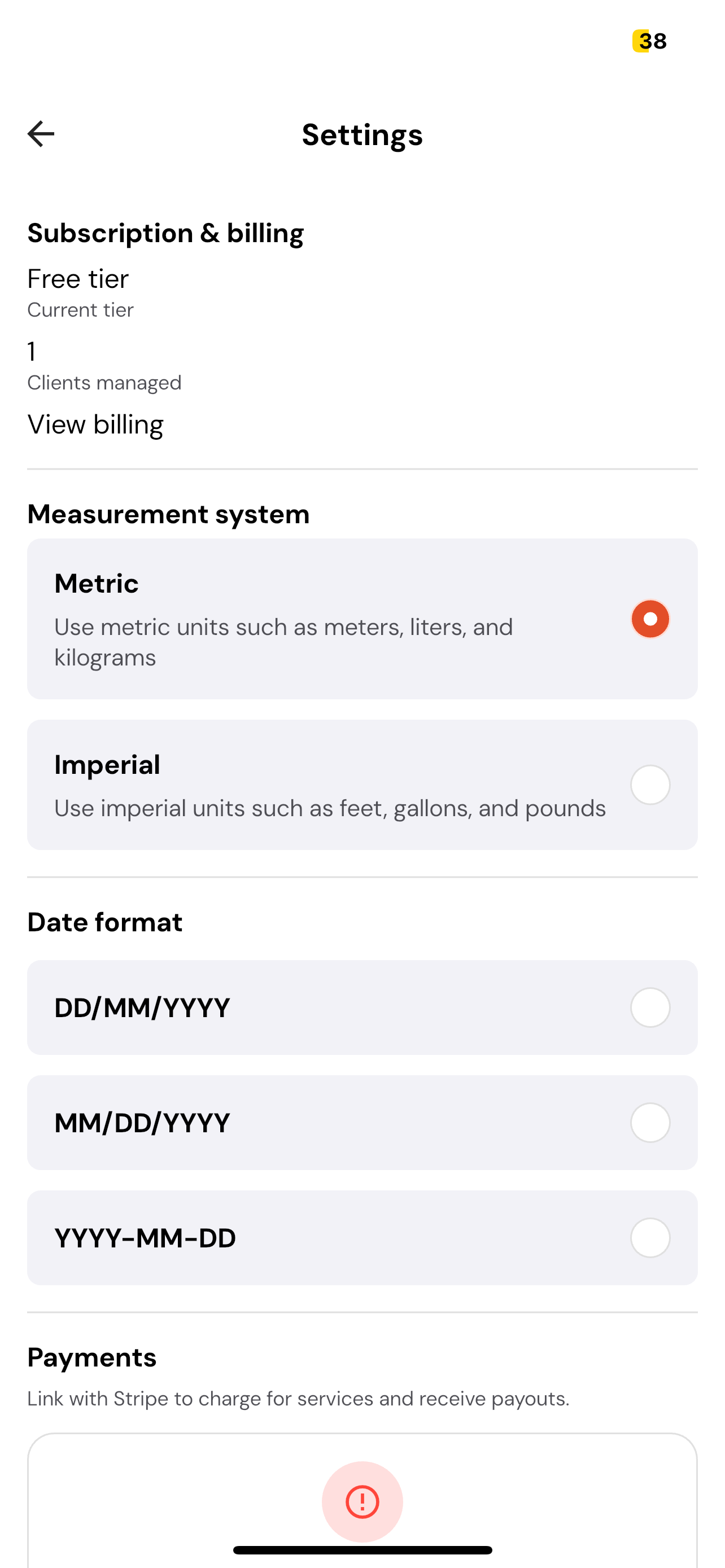
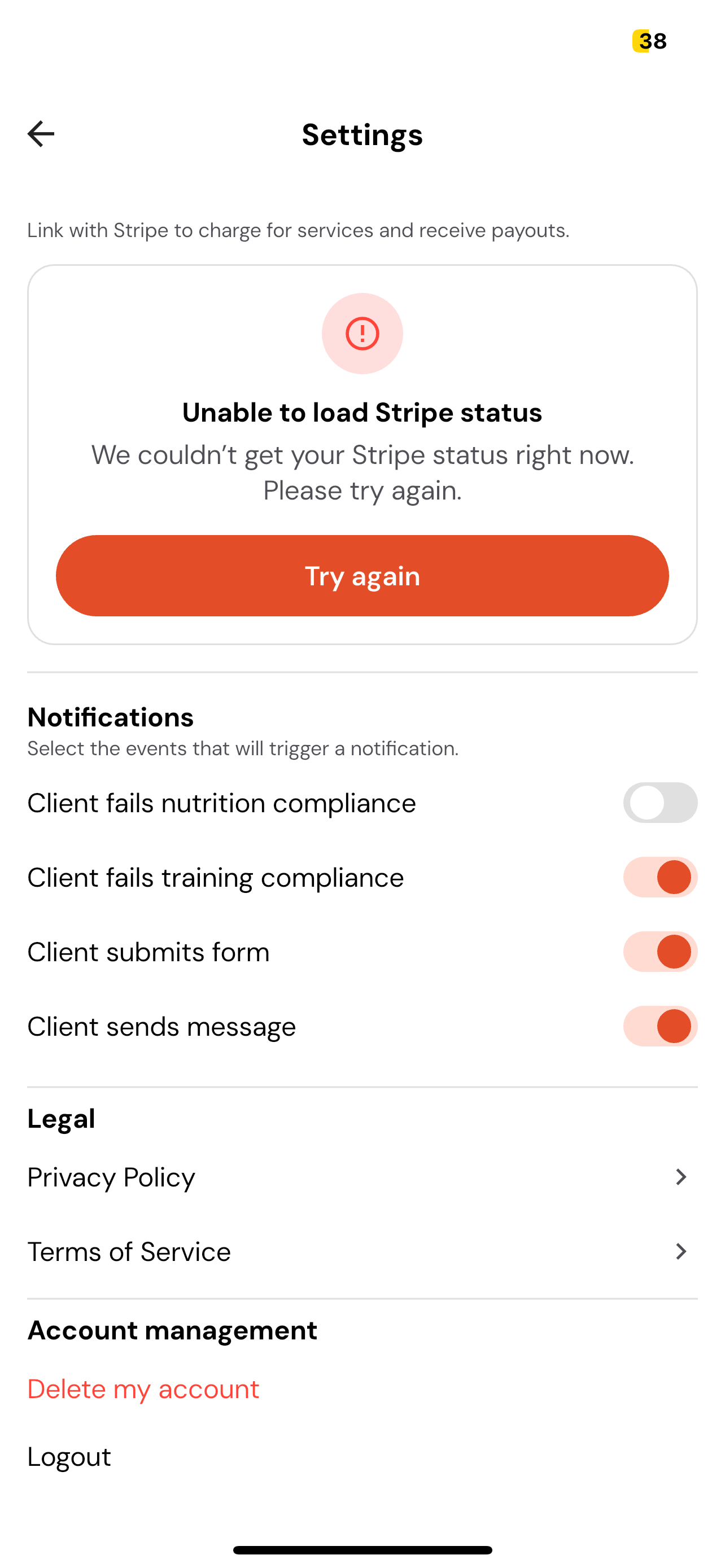
Tap the settings icon in the top right-hand corner.
From here, you can manage important settings, including:
Account Billing
Measurement System (e.g., metric or imperial)
Date Format
Connect and manage your stripe account (Turn on GST and change payout frequency
Notifications
Privacy Policy
Delete Account
Editing Profile Information
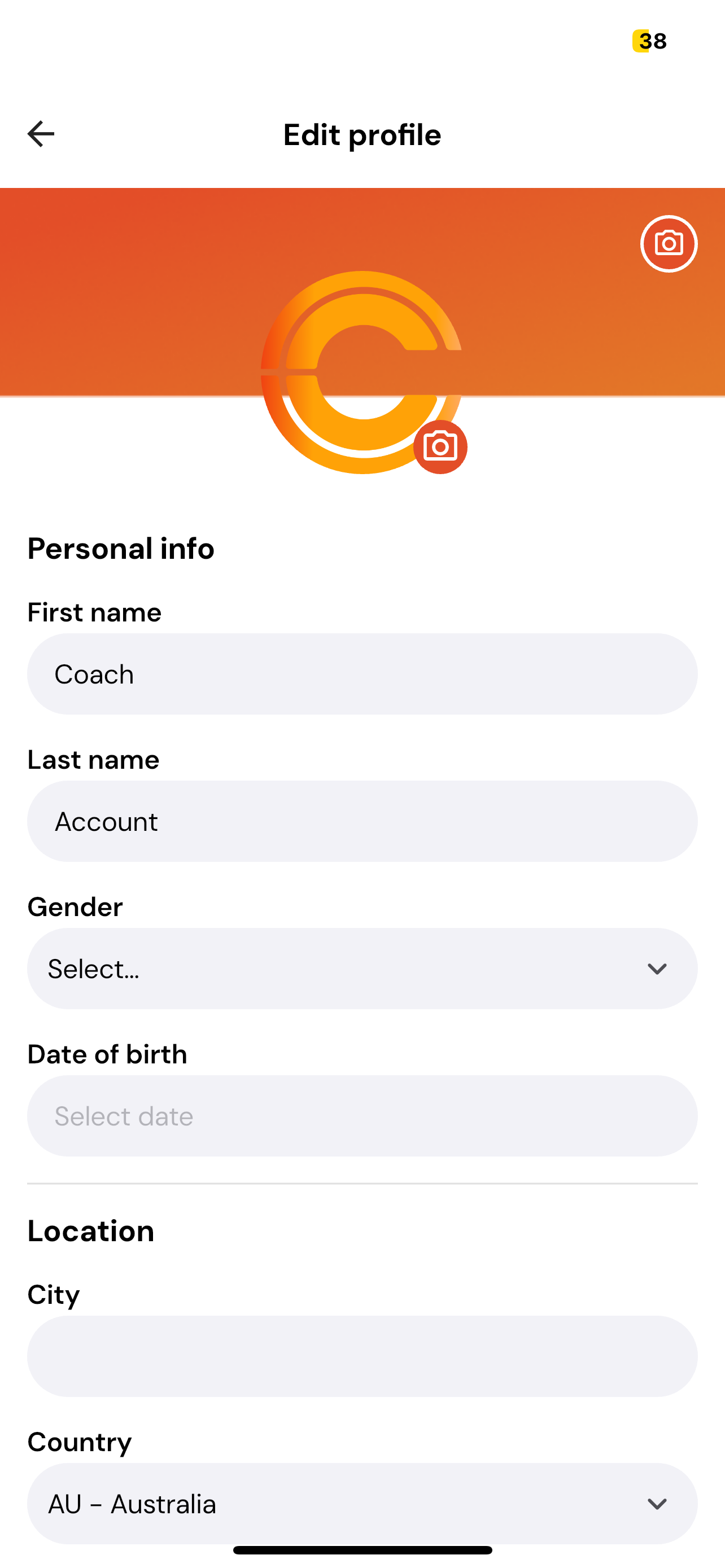
Tap the Edit Profile button in the top right-hand corner.
You’ll be able to:
Change your profile picture and account banner
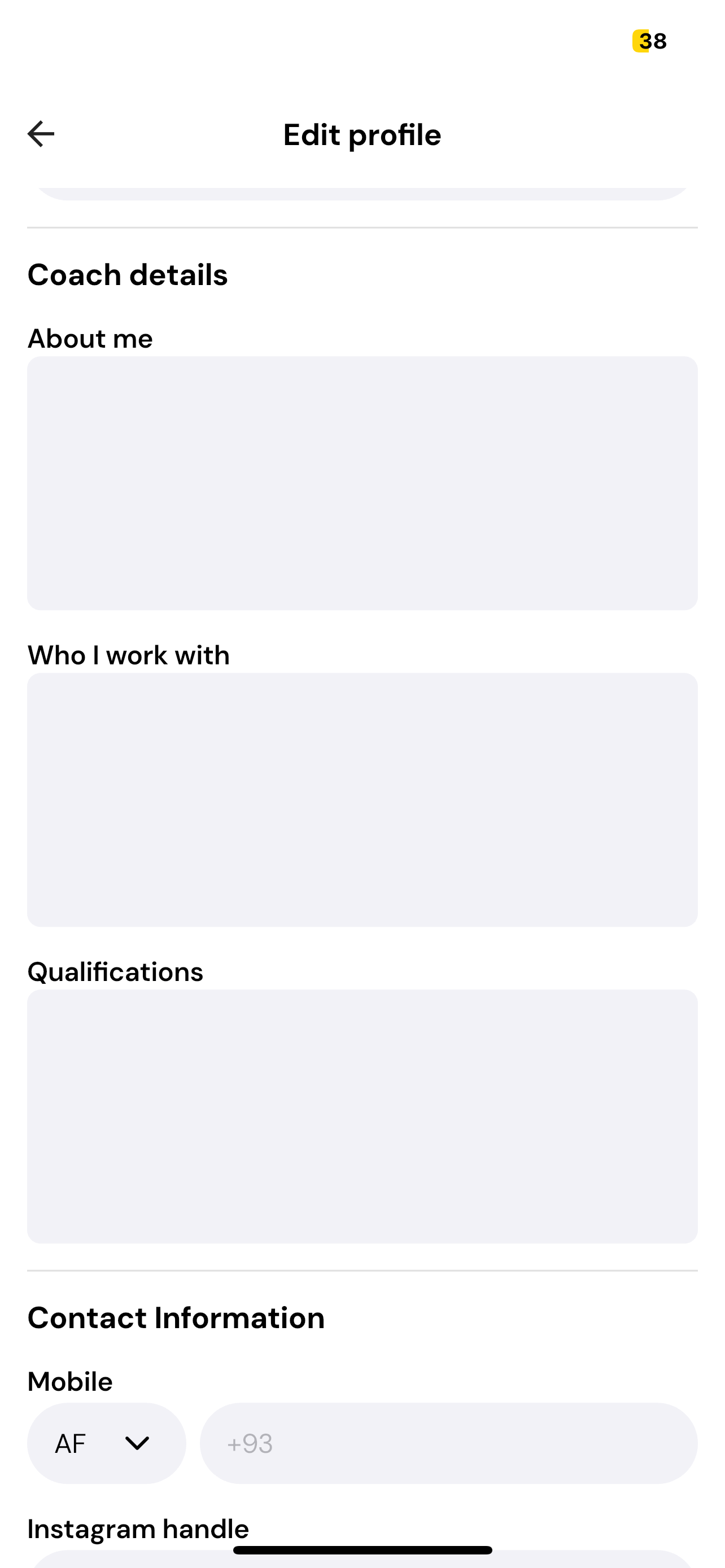
Update your personal information
Add a short bio/about you as a coach
Link your social media accounts