How to Log Habits From a Previous Day
Written By Jacob Elliott
Last updated 5 days ago
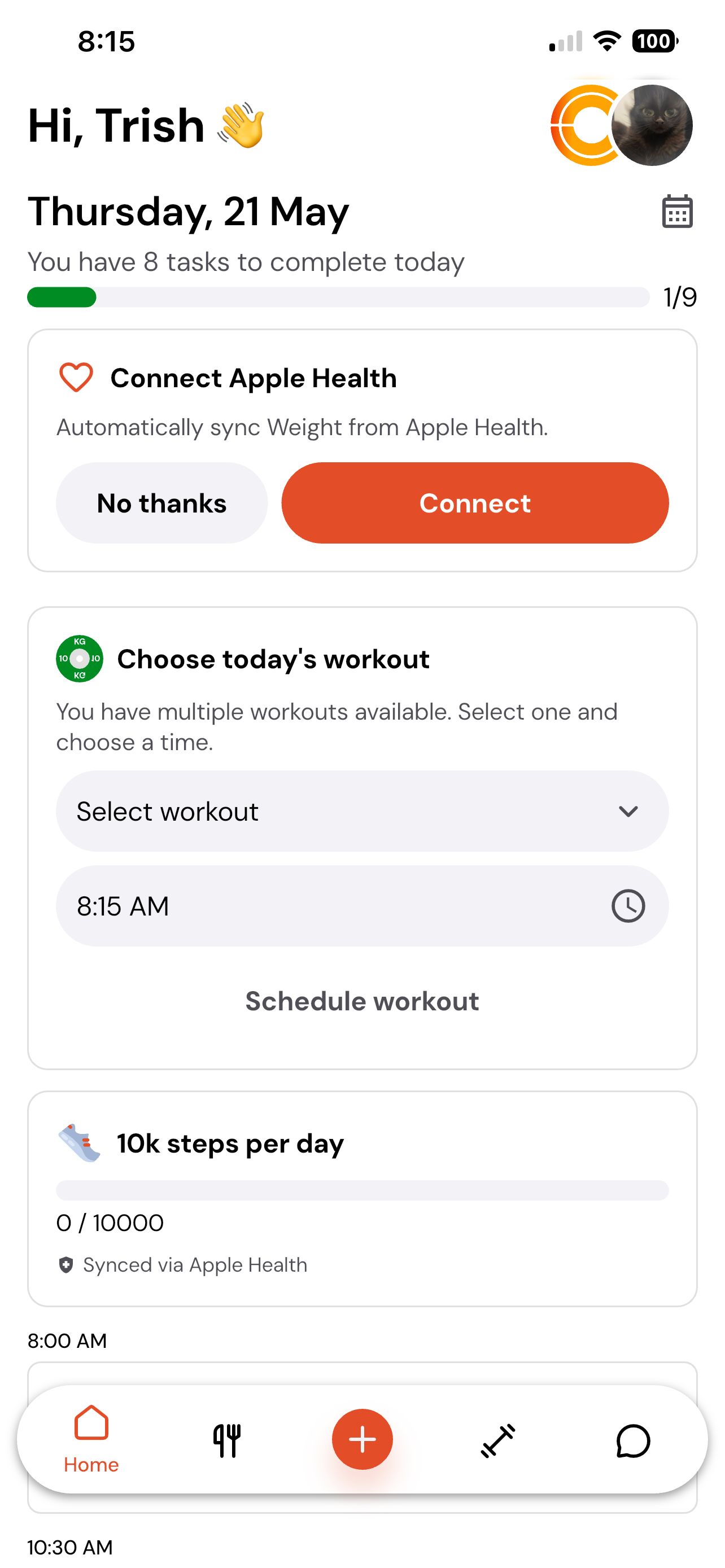
Navigate to the client home page where the habits are displayed.
In the top left-hand corner, click on the day/date section where it says today’s date.
This will open up a separate calendar view.
From here, select the previous day that you want to log habits for.
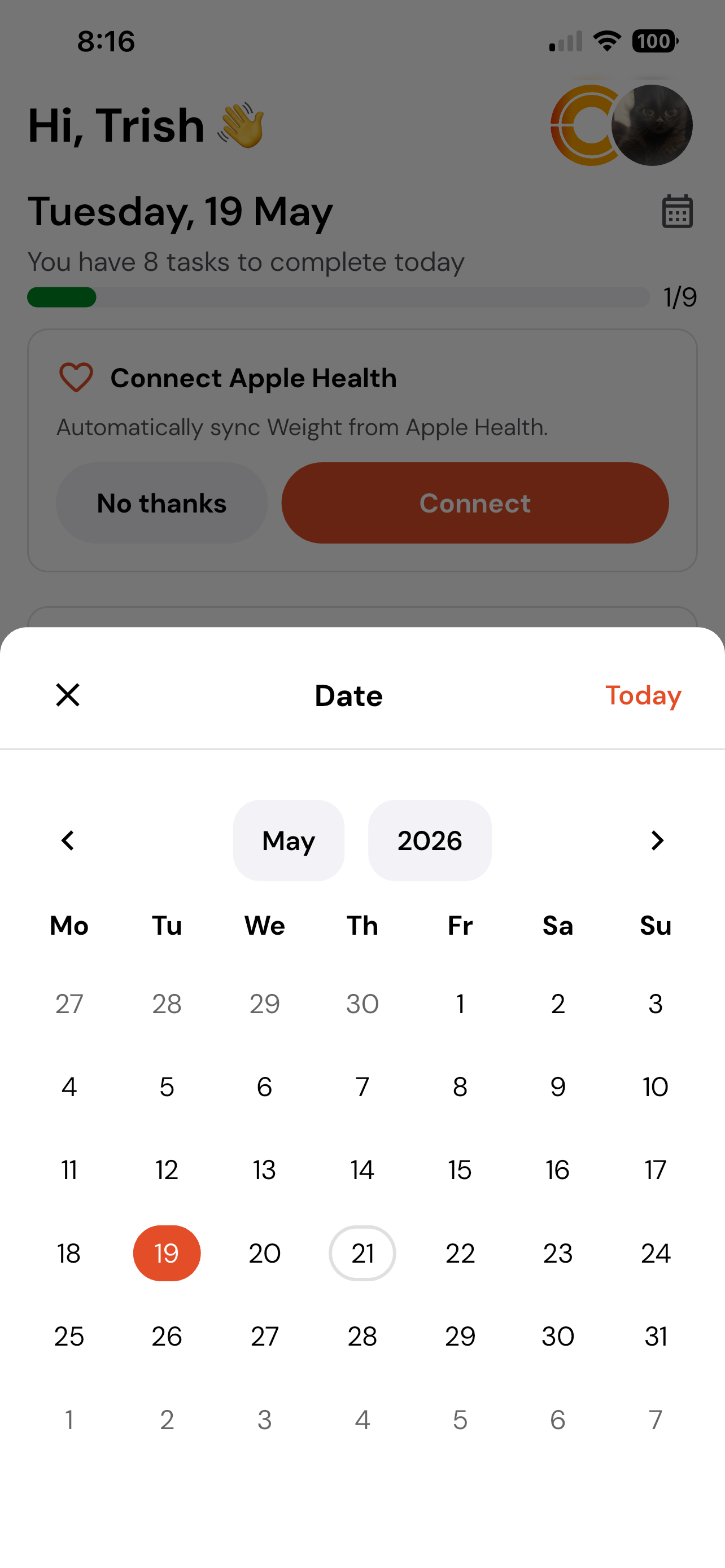
Once selected, you can go ahead and log all of your habits for that specific day.