How to View Your Calendar as a Client
Written By Jacob Elliott
Last updated 6 months ago
Accessing Your Calendar
• Log into CoreCoach
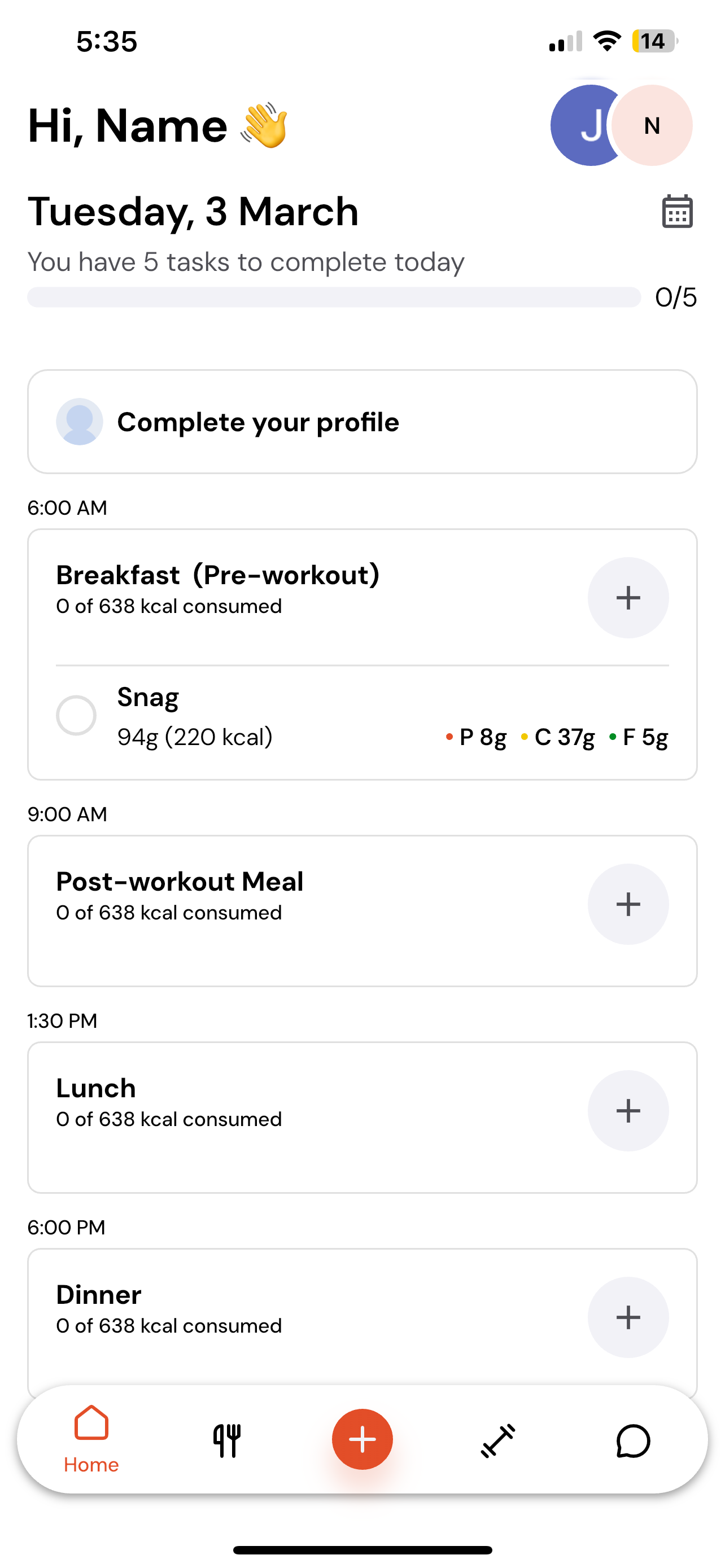
• On the homepage, look next to the day and date at the top
• Click the calendar icon
What You Can See Inside the Calendar
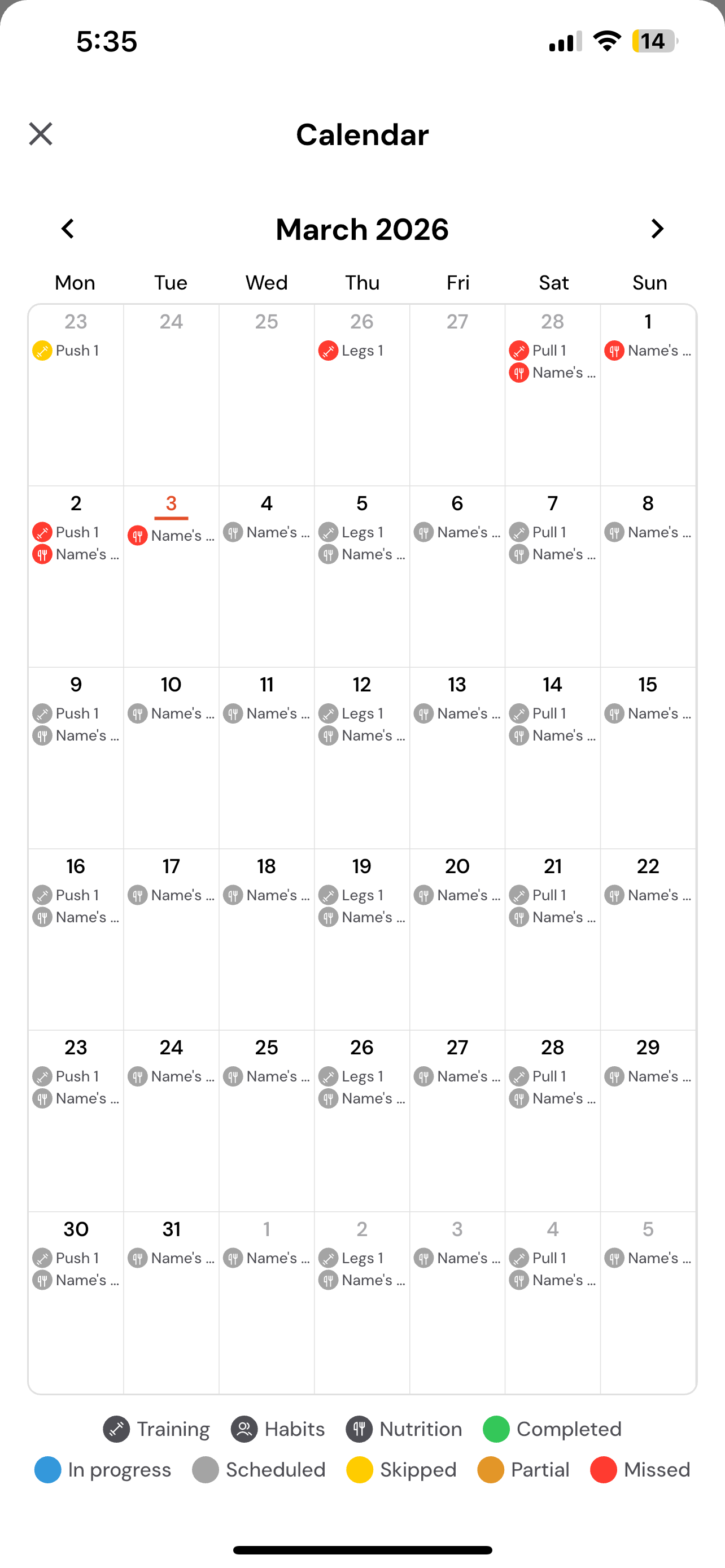
Once opened, your calendar will show:
• Everything your coach has assigned
• What you have logged
• What has been completed
• What has been skipped
• What is still outstanding
Viewing a Specific Day
• Click on any individual day
• You will see a full breakdown of everything assigned for that date
This makes it easy to track your progress and stay on top of your plan.