How to logout of CoreCoach
How to log out of CoreCoach as a Client or a Coach
Written By Jacob Elliott
Last updated 6 months ago
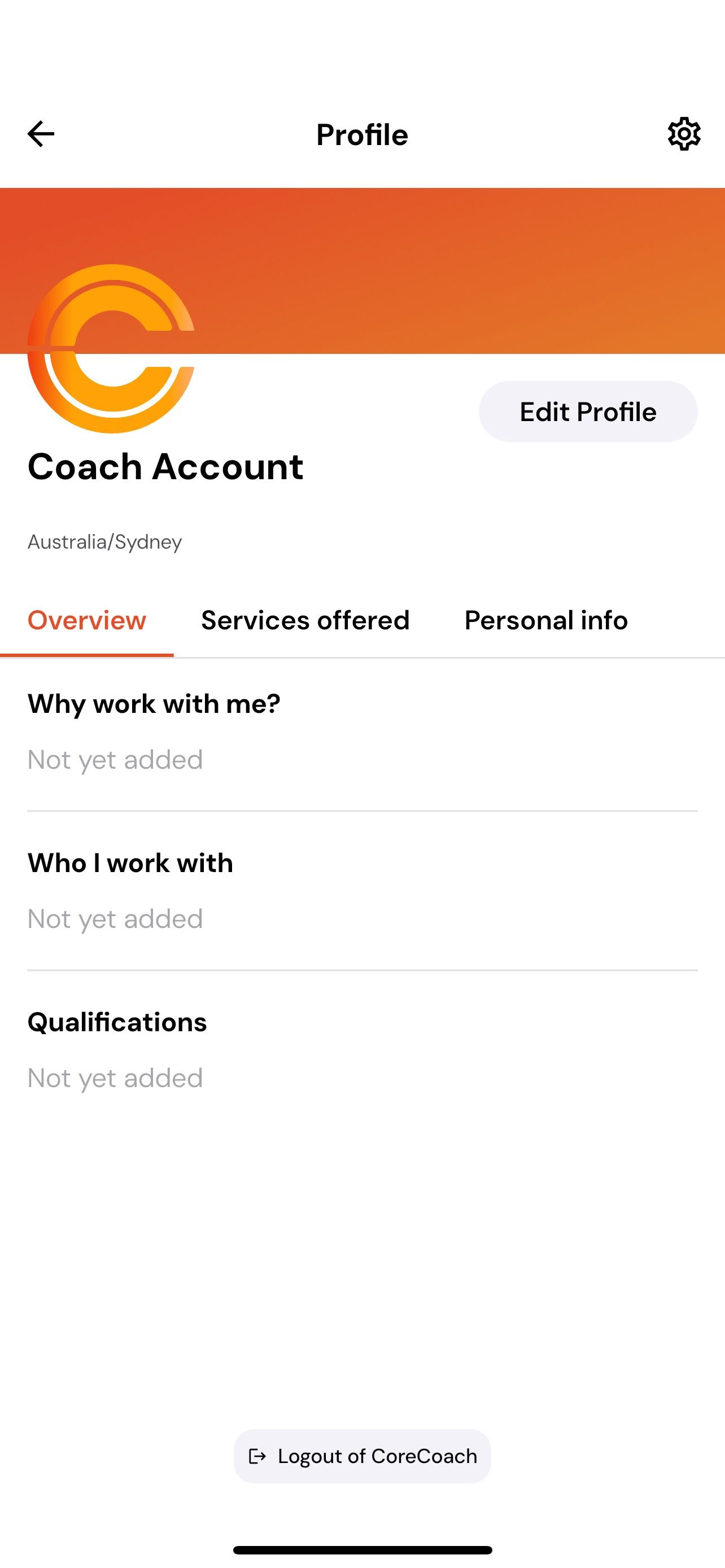
The easiest way to log out—whether you're a Coach or a Client—is to open the app and tap your profile photo in the top right-hand corner. This will take you to your Profile page.
Scroll to the bottom of the page and you’ll see the Log Out of CoreCoach option. Tap it, and you’ll be signed out immediately.
You can also log out through your Settings page.