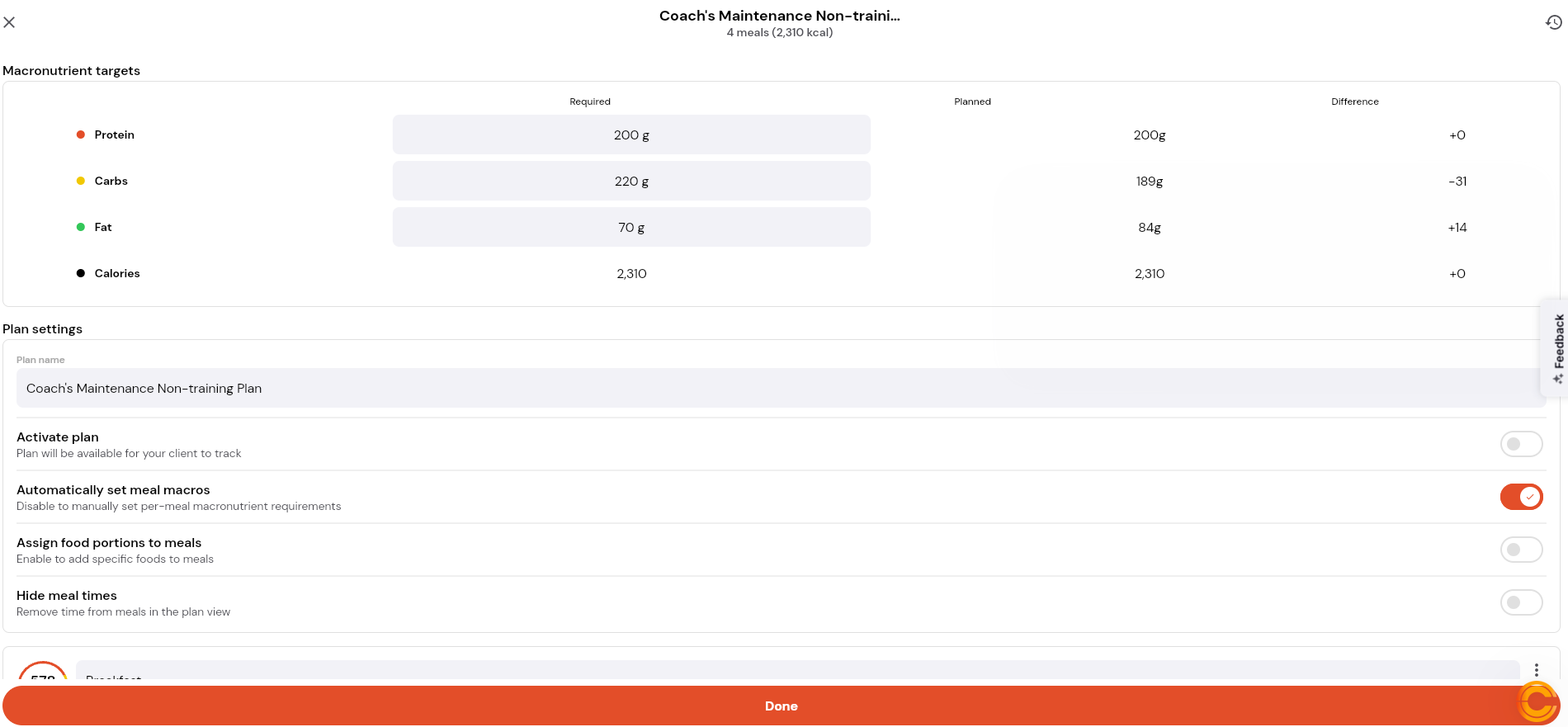
How to Create a Nutrition Plan and Generate a Automatic Meal Plan
Written By Jacob Elliott
Last updated About 2 months ago
Creating a Manual Nutrition Plan in CoreCoach
Navigate to the Nutrition Plans tab.
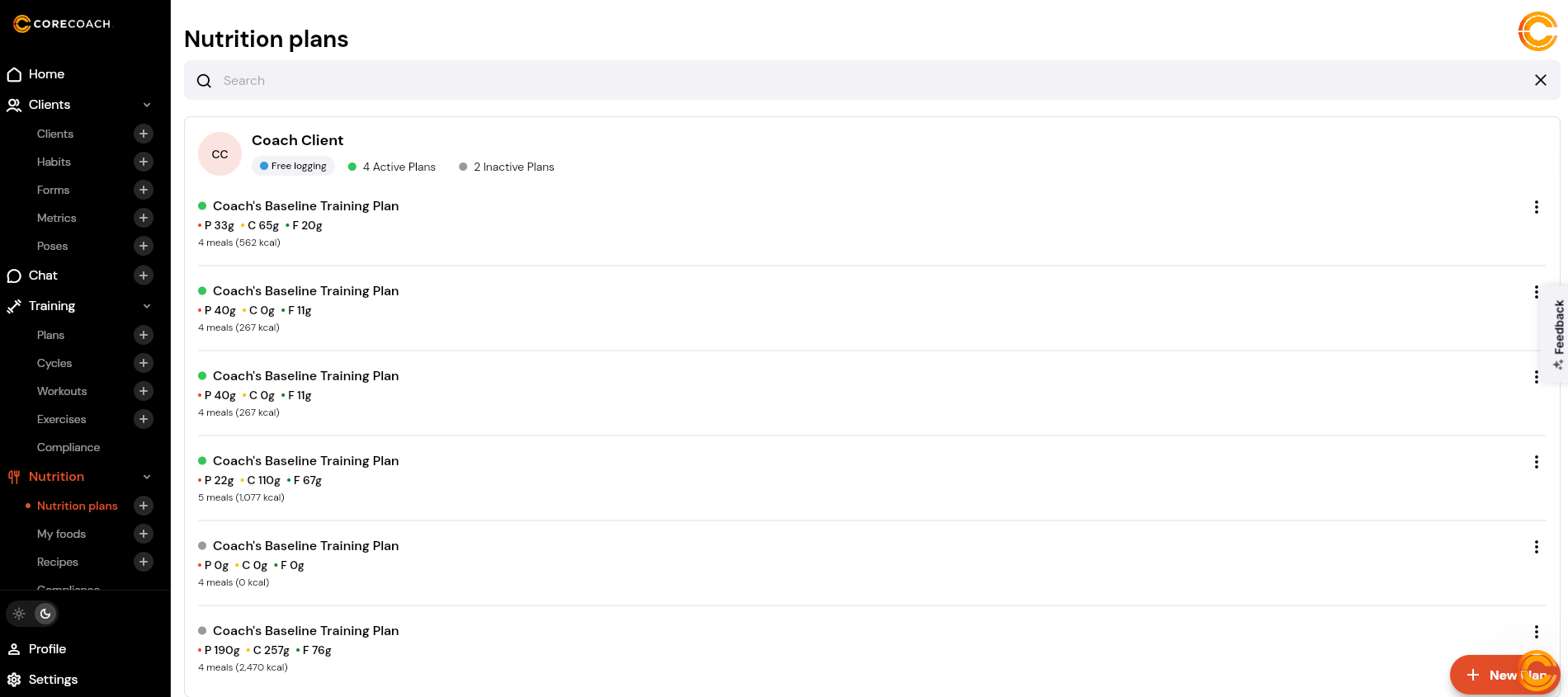
Select New Plan.
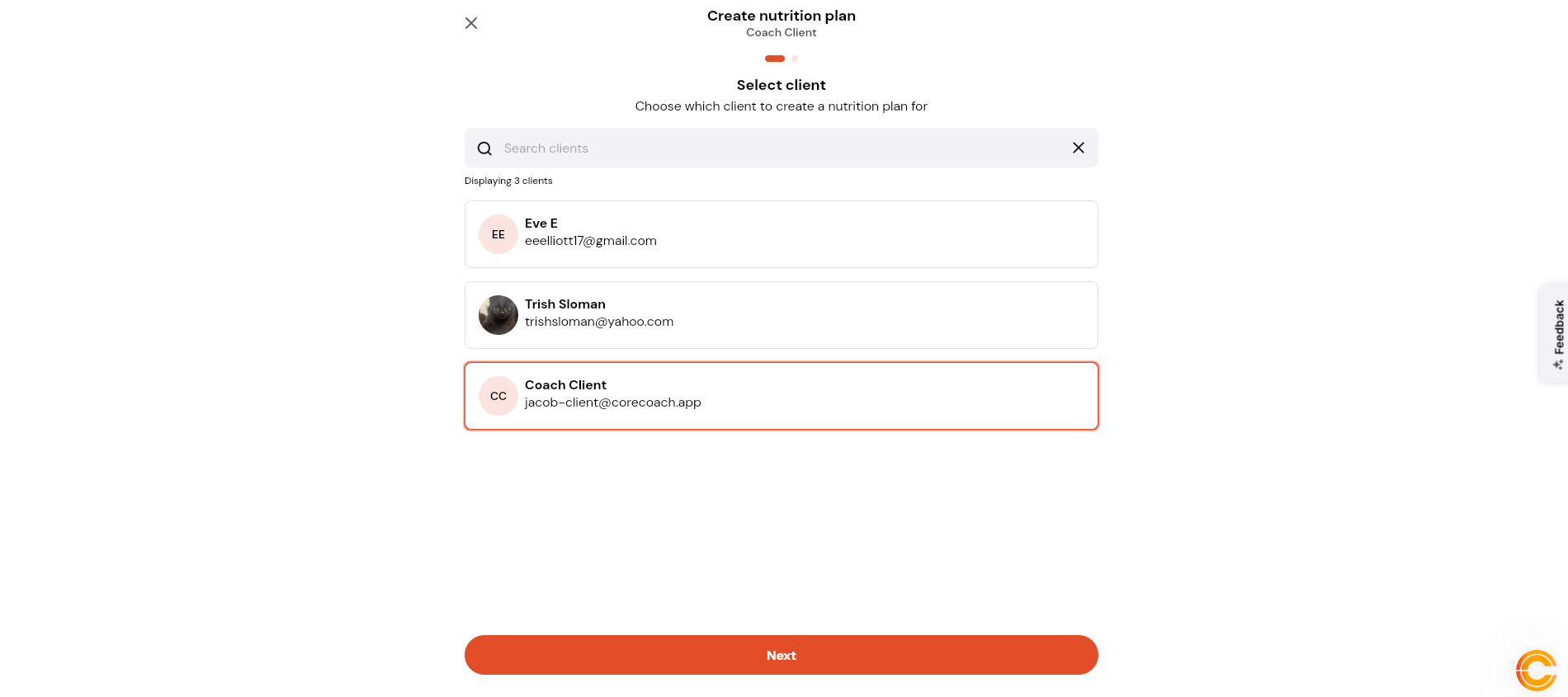
Select the client you want to create the nutrition plan for.
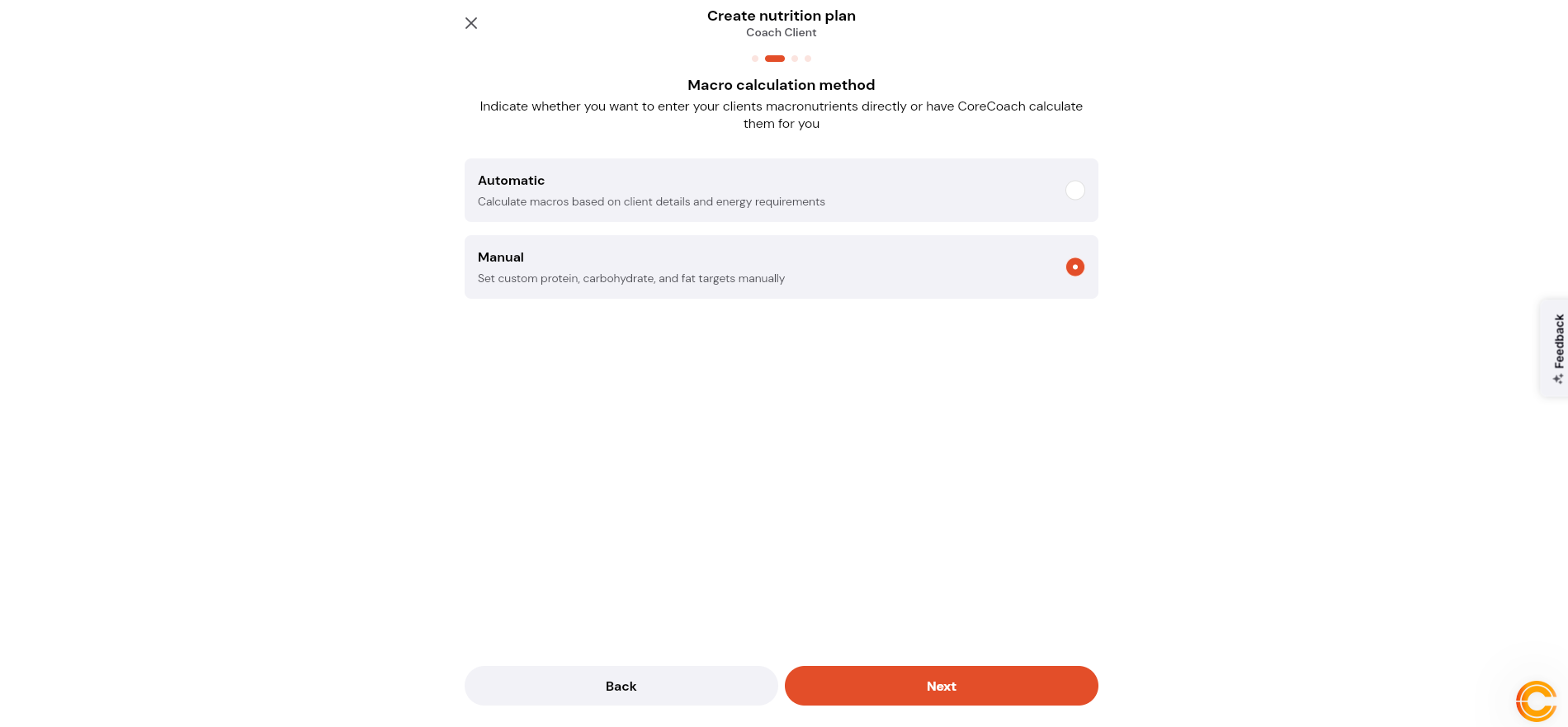
Choose either Automatic or Manual plan creation.
For this walkthrough, select Manual.
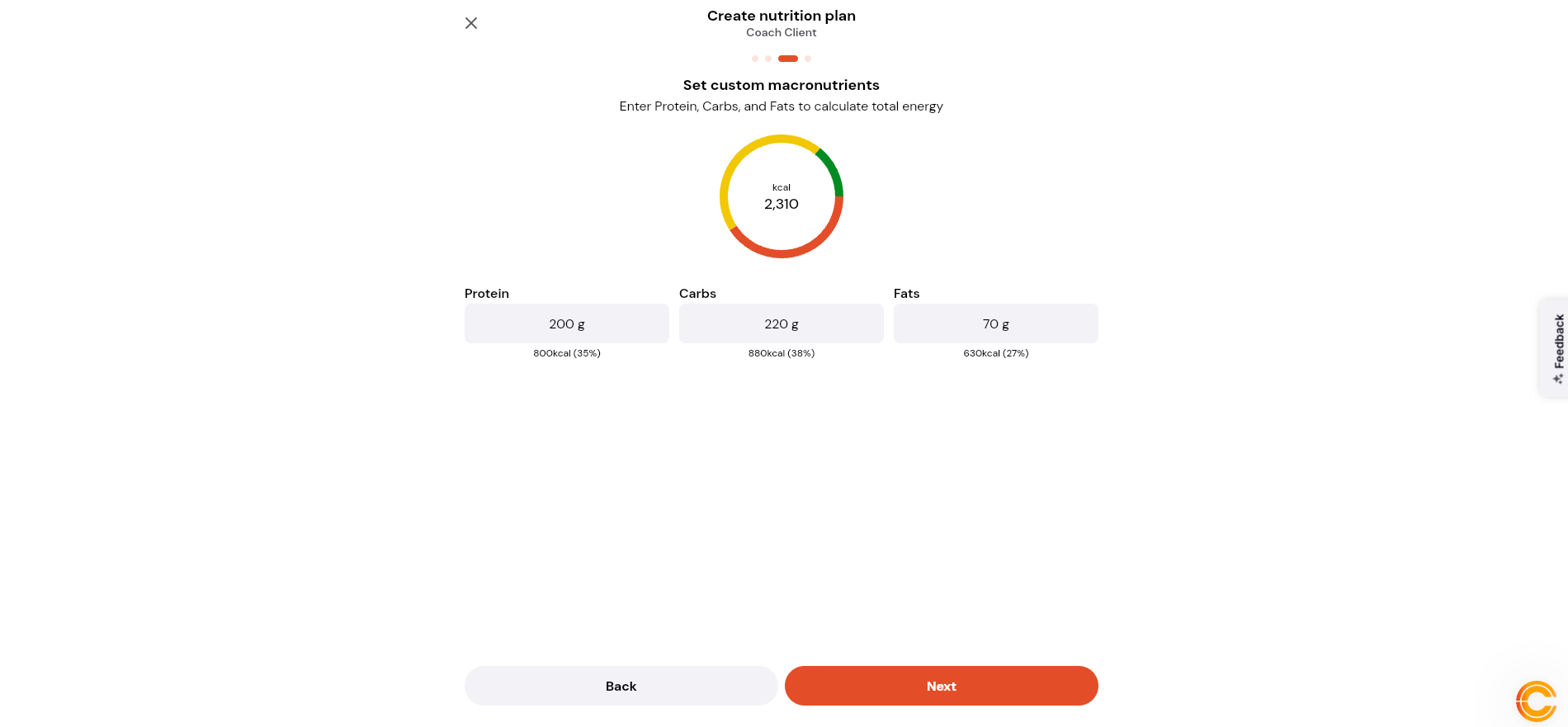
Enter the client’s custom macronutrient targets:
Protein
Carbohydrates
Fats
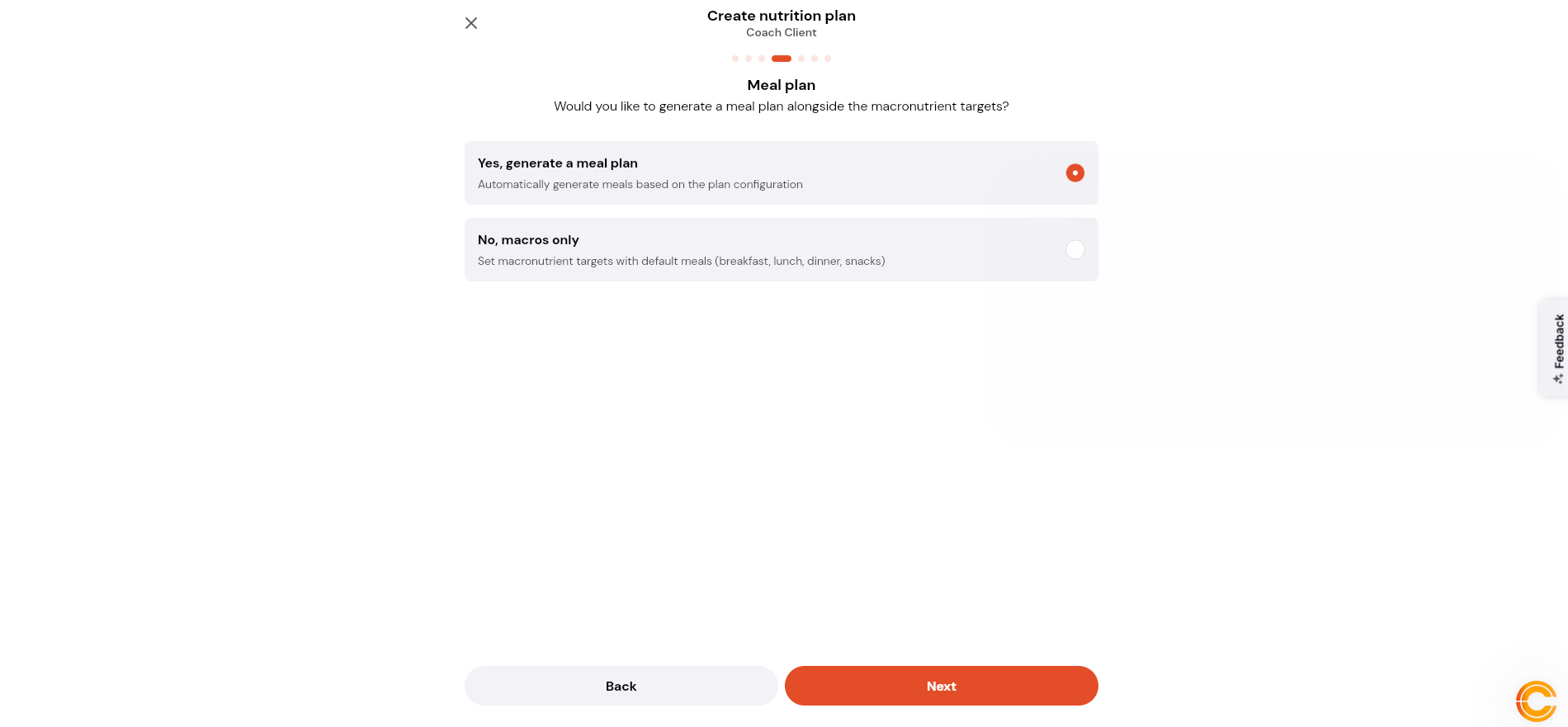
Choose whether you want to generate a meal plan alongside the macronutrient targets.
Select No to create the nutrition plan with default meals.
Select Yes to generate a custom meal plan.
For this example, select Yes.
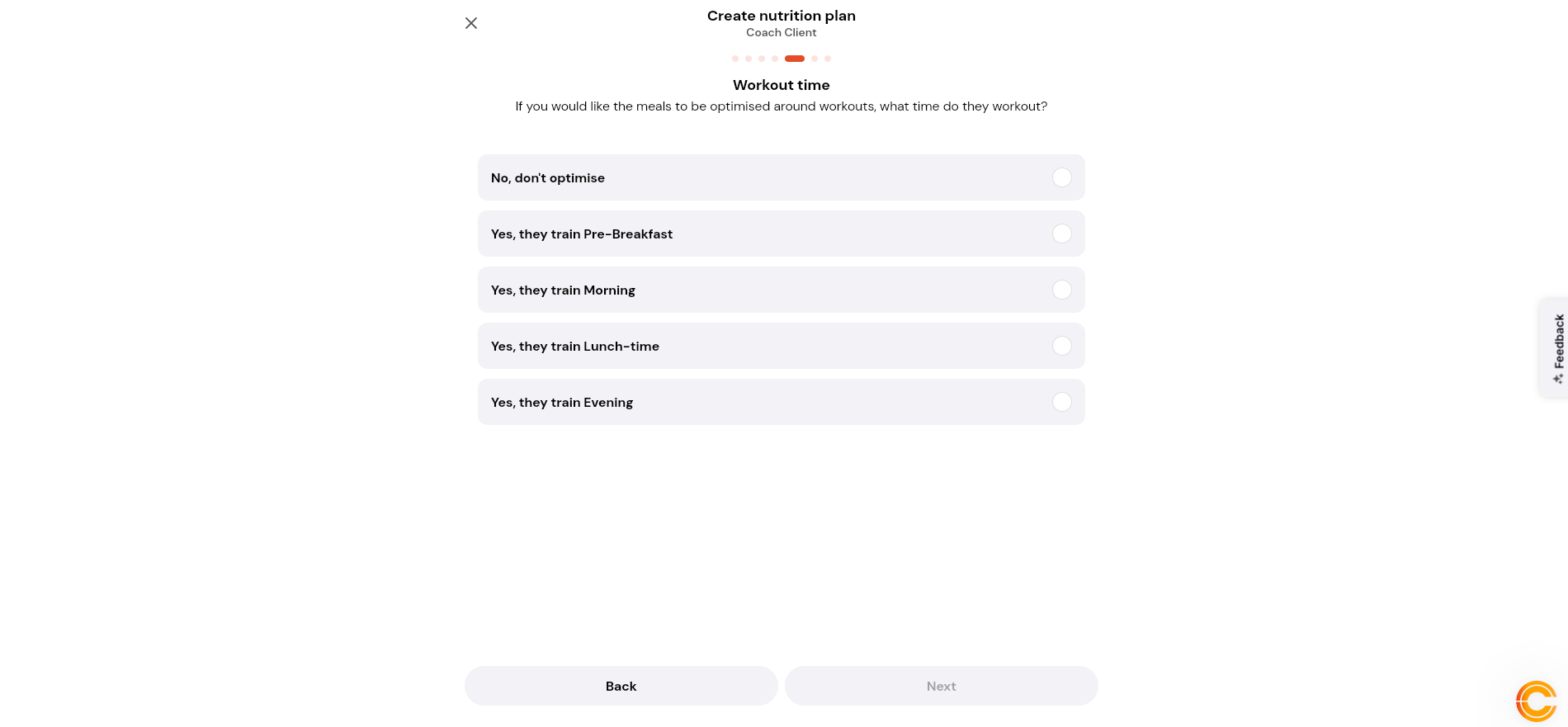
Choose whether to optimise meals around the client’s workout time.
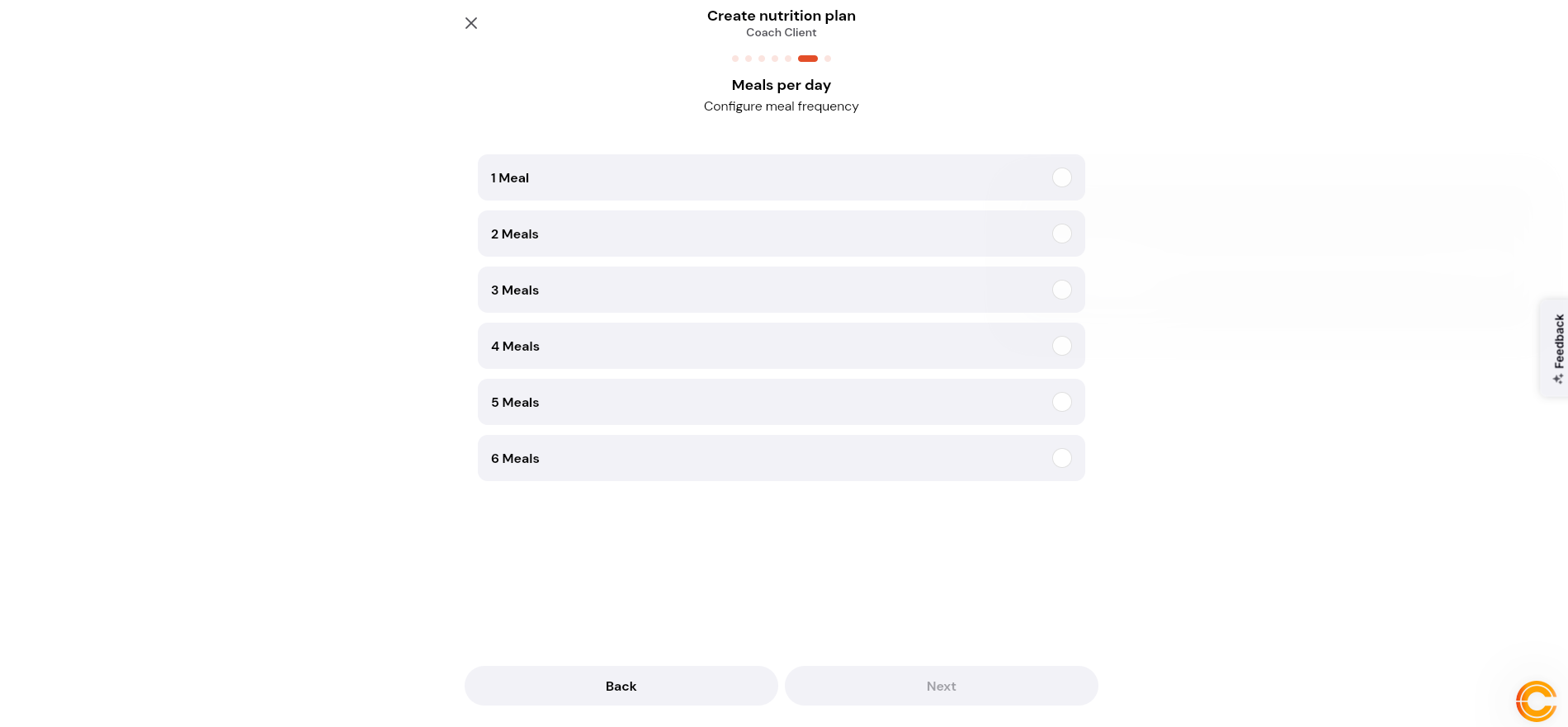
Select how many meals per day the client would like.
Select the carbohydrate approach.
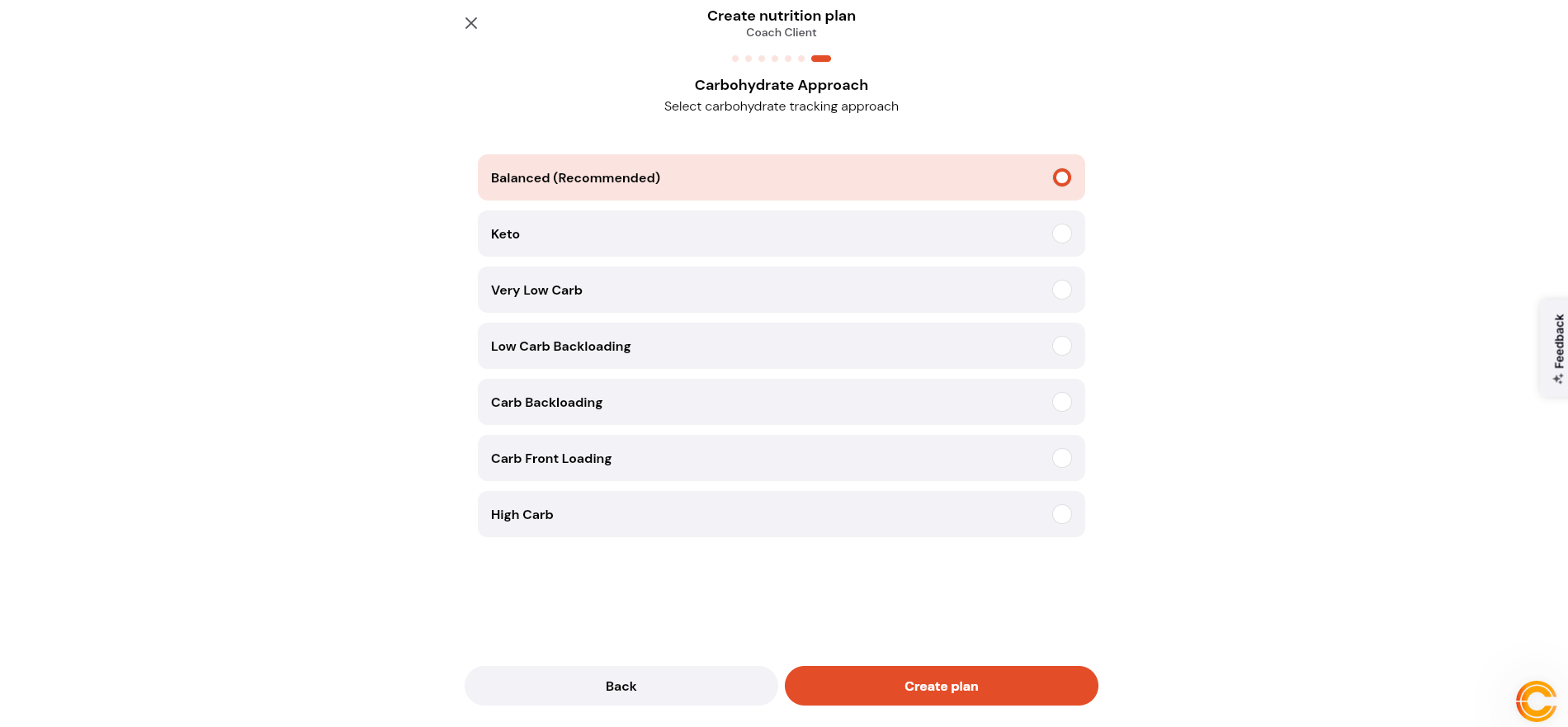
Select Create Plan to generate the nutrition plan.