How to create or edit an exercise
Browse the exercise library, add your own exercises, and customise built-in exercises with your own video.
Written By Jacob Elliott
Last updated About 2 months ago
The exercise library holds every exercise you can put in a program: CoreCoach's built-in exercises plus any you create yourself.
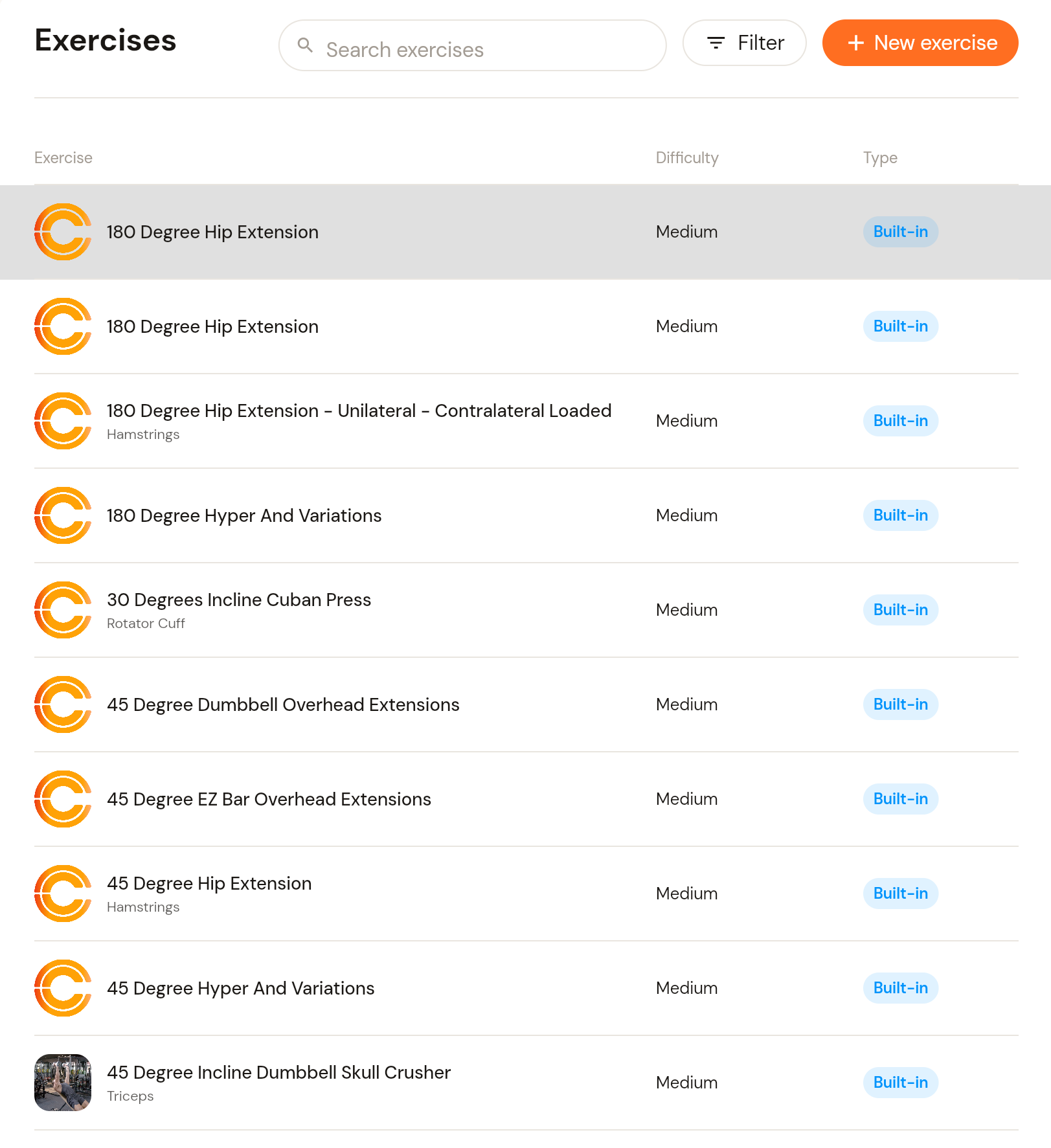
Browse the library
In the left menu, click Programs, then Exercises.
Each row shows the exercise name, its primary muscle, difficulty and type (Built-in or your own). Use the search box or Filter to narrow the list, and the arrows at the bottom to page through it.
Click an exercise to see its details: primary muscle, difficulty, movement pattern, load source and load pattern.
Create your own exercise
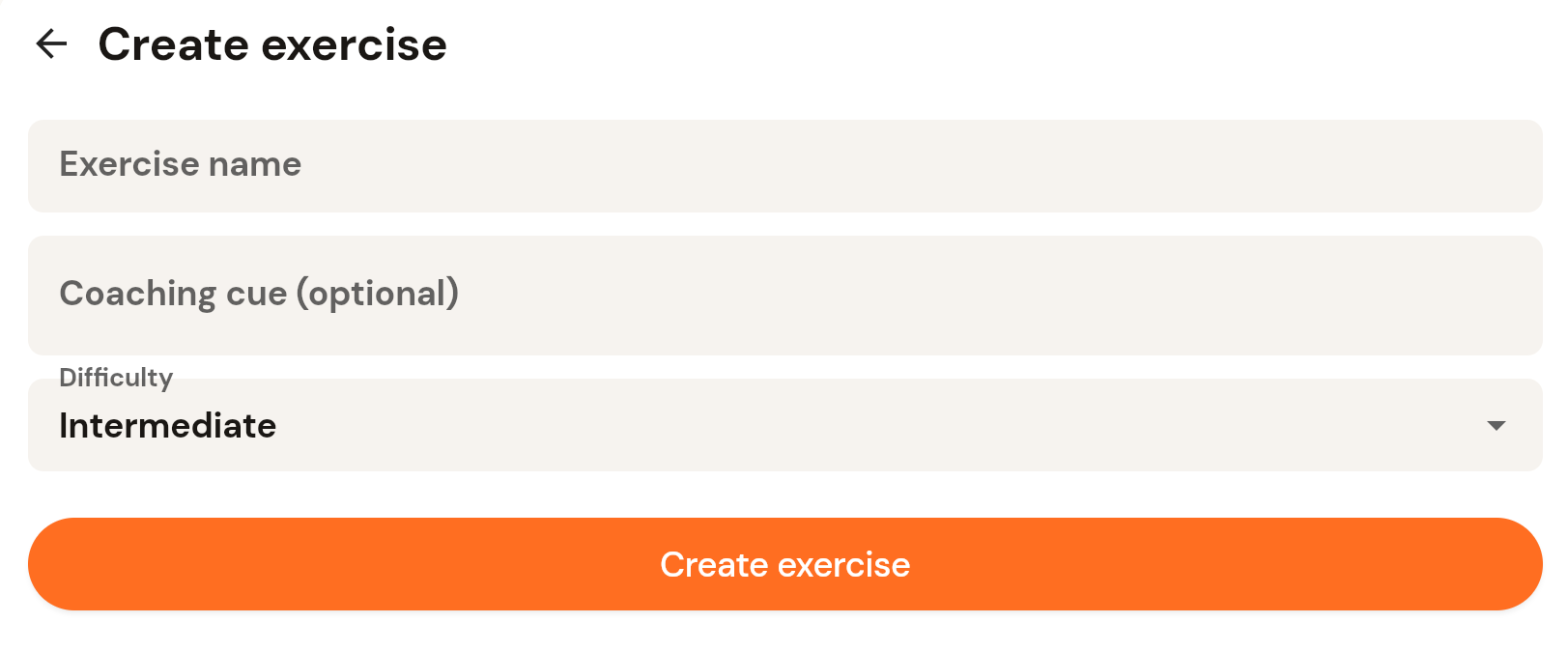
On the Exercises page, click + New exercise (top right).
Enter the exercise name, an optional coaching cue (shown to the client), and pick the difficulty.
Click Create exercise. It appears in the library and in the Add exercises picker when you build a day.
Customise a built-in exercise with your own video
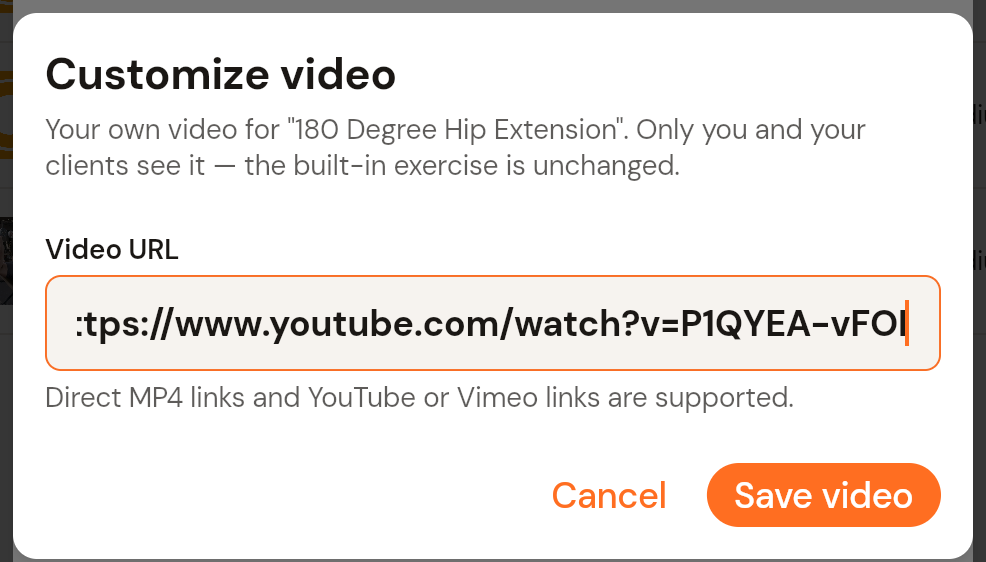
Built-in exercises cannot be edited, but you can attach your own demonstration video to one. Only you and your clients see it; the built-in exercise itself is unchanged.
Click the exercise in the library to open its details.
Click Add your own video.
Paste the video URL. Direct MP4 links and YouTube or Vimeo links are supported.
Click Save video.
See How to add a video link to a built-in exercise for the full walkthrough.
Was this helpful?
Still need help? Share an idea