How to Update Your Profile
How to update your profile in CoreCoach as a client
Written By Jacob Elliott
Last updated 6 months ago
Updating your profile in CoreCoach ensures your coach has the most accurate and up-to-date information about you.
Here’s how to update your details or access your account settings.
Steps to Update Your Profile
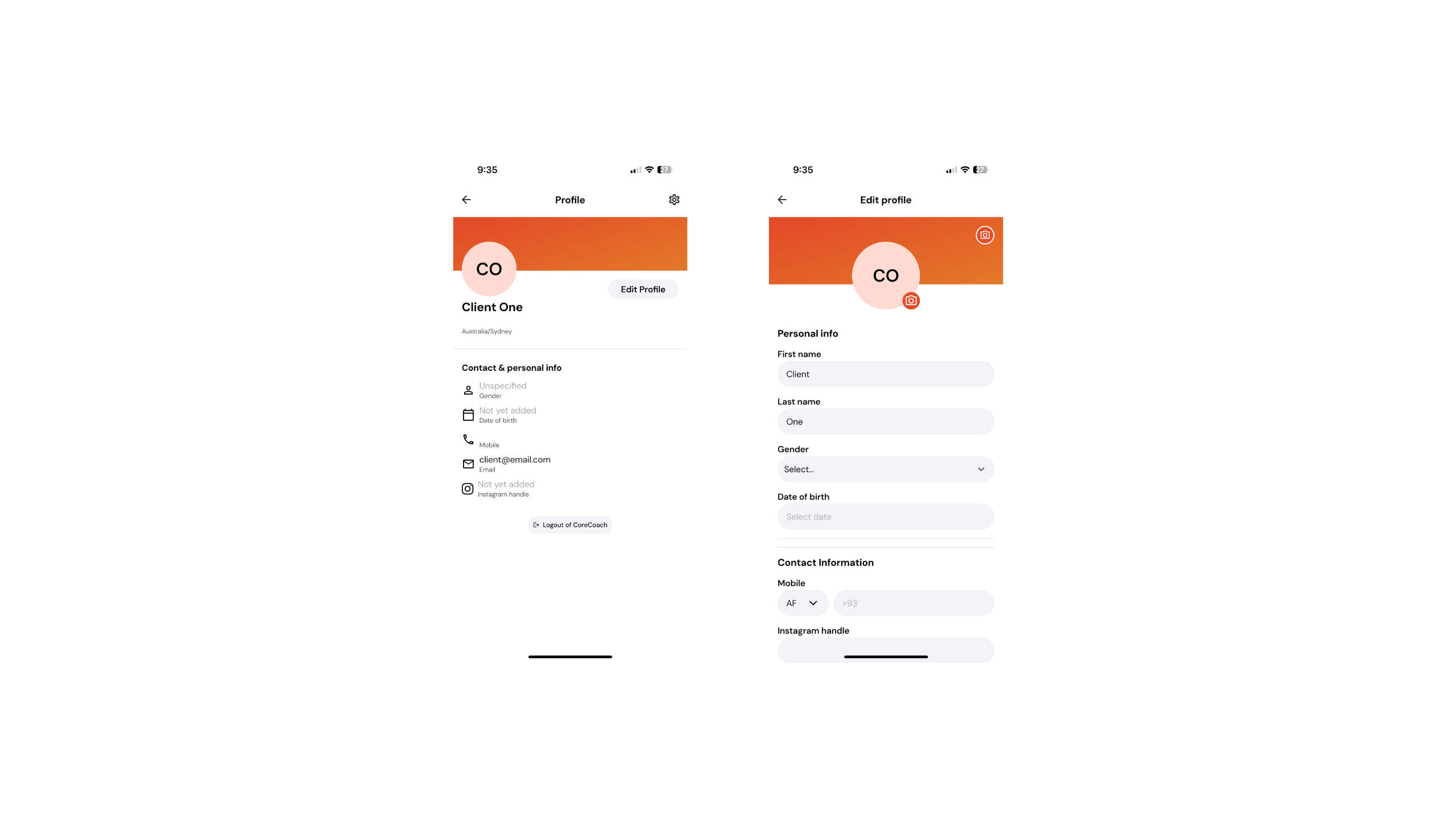
Go to Your Profile
From the Home page, tap your profile photo in the top-right corner.
This will take you to your Profile page, where you can view your personal and contact information.
You can also log out from this page if needed.2. Edit Your Profile
Tap Edit Profile to open the edit page.
Here, you can update all your personal and contact details.
Your changes will automatically save once entered.