How to Log Habits
How to log your habits in CoreCoach as a client
Written By Jacob Elliott
Last updated 6 months ago
Before you begin
Your coach must have already assigned habits to you.
If you don’t see any habits, reach out to your coach to ensure your habit schedule is set up.
Steps to log your habits
1. Go to Your Home Page
Open CoreCoach and navigate to your Home page.
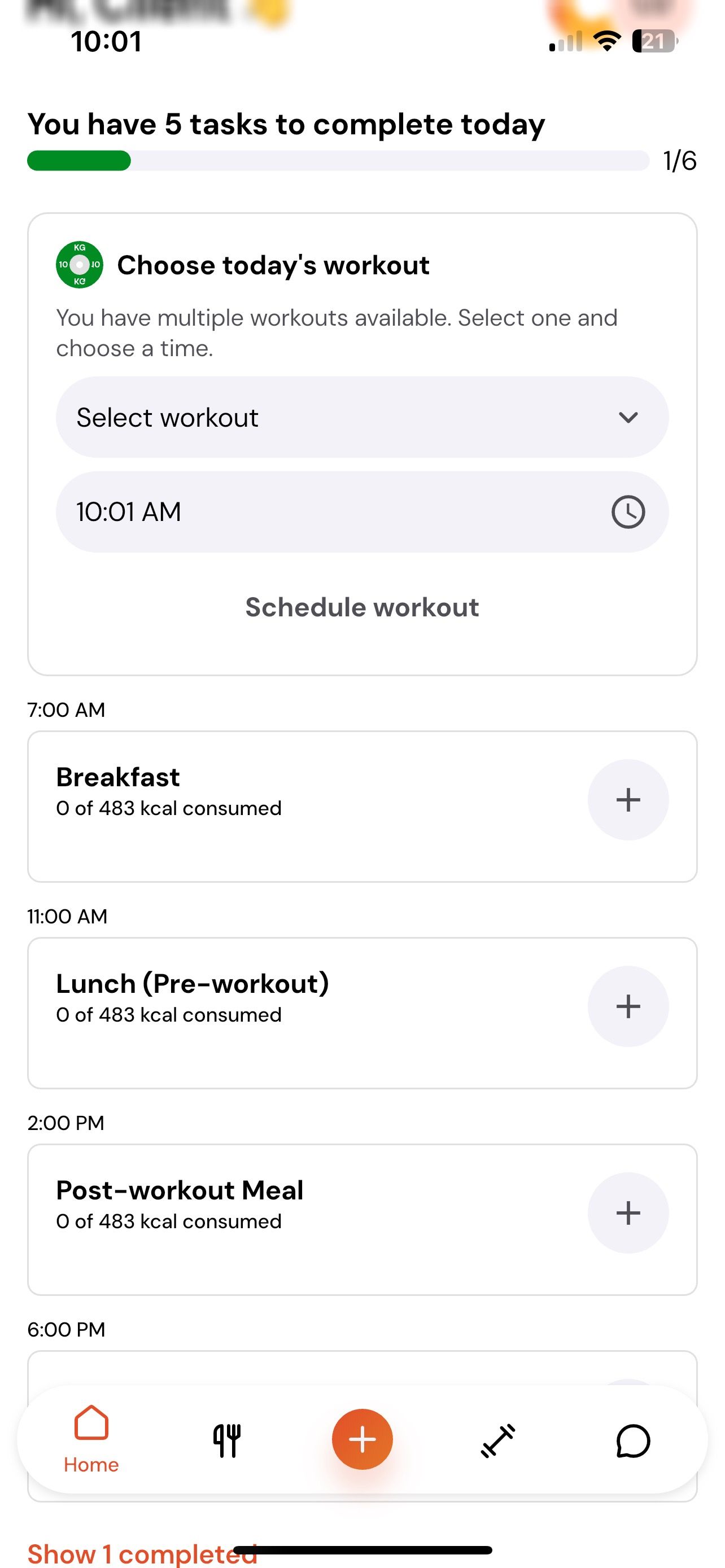
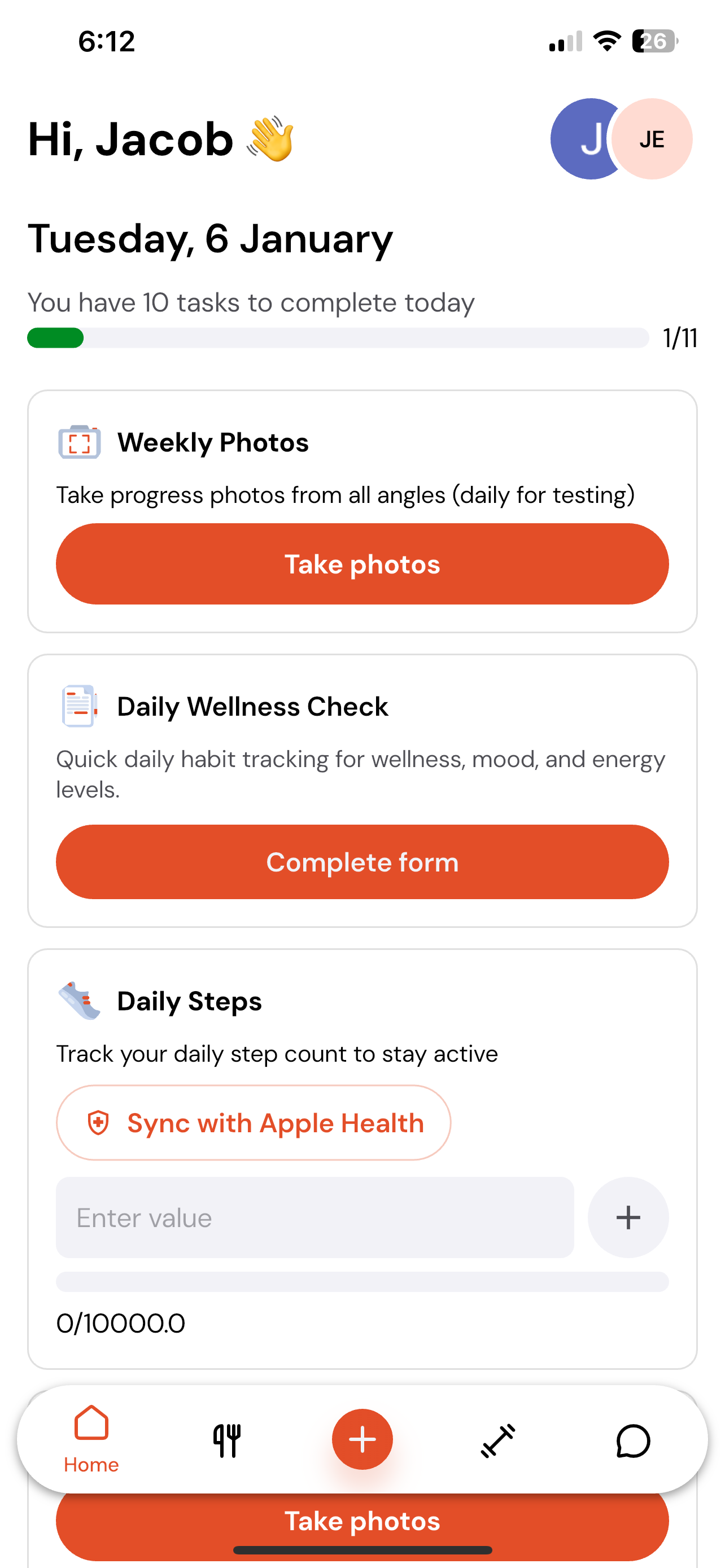
Here, you’ll see all of the tasks, habits, and actions your coach has assigned for the day.
2. Find the Habit You Want to Log
Scroll through your daily list until you locate the habit you’d like to complete.
Some habits may be further down the page, especially time-based habits, so make sure you scroll fully.
3. Log Your Habit
Tap on the habit, then enter the required value or mark it as completed—depending on how your coach set it up.
For numeric habits: enter the number (e.g., steps, minutes, servings).
For task-based habits: simply mark it as complete.
For time-based habits: you may need to scroll to view the time fields.
What happens next
Once logged, the habit will show as completed for the day, and your coach will be able to view your progress.
You can return to the Home page at any time to review what you’ve completed and what’s still remaining.