How to Manage Your Stripe Account
How to change payout frequency and also manage your stripe account
Written By Jacob Elliott
Last updated 4 months ago
Video walkthrough of how to manage your stripe account
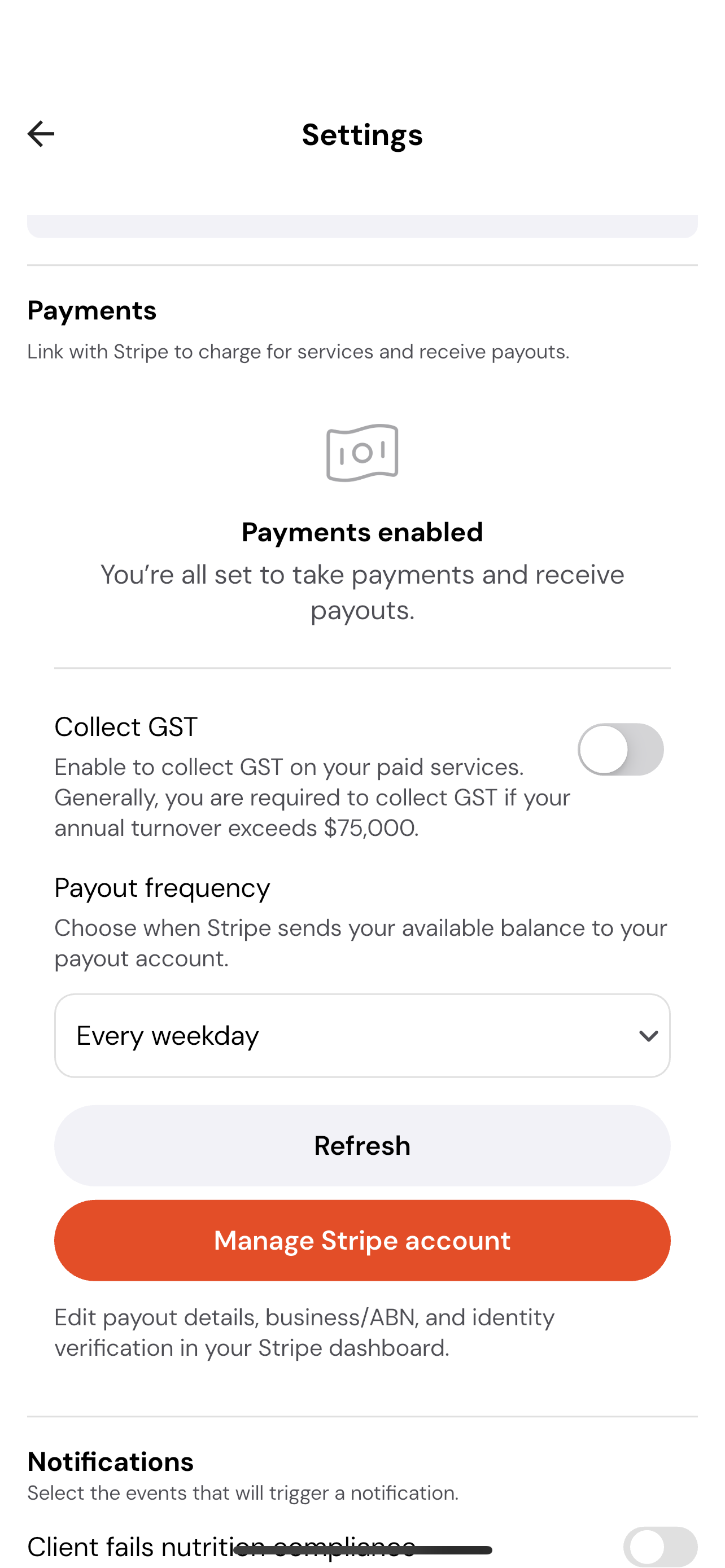
To manage your Stripe settings:
Navigate to My Profile.
Tap the Settings tab in the top-right corner.
Scroll down to the Payments Enabled section.
Here you can:
Toggle GST collection on or off.
Change your payout frequency.
Click the button to manage your Stripe account directly in Stripe.