How to connect your Stripe account
Link Stripe to CoreCoach so you can charge for services and receive payouts.
Written By Jacob Elliott
Last updated About 2 months ago
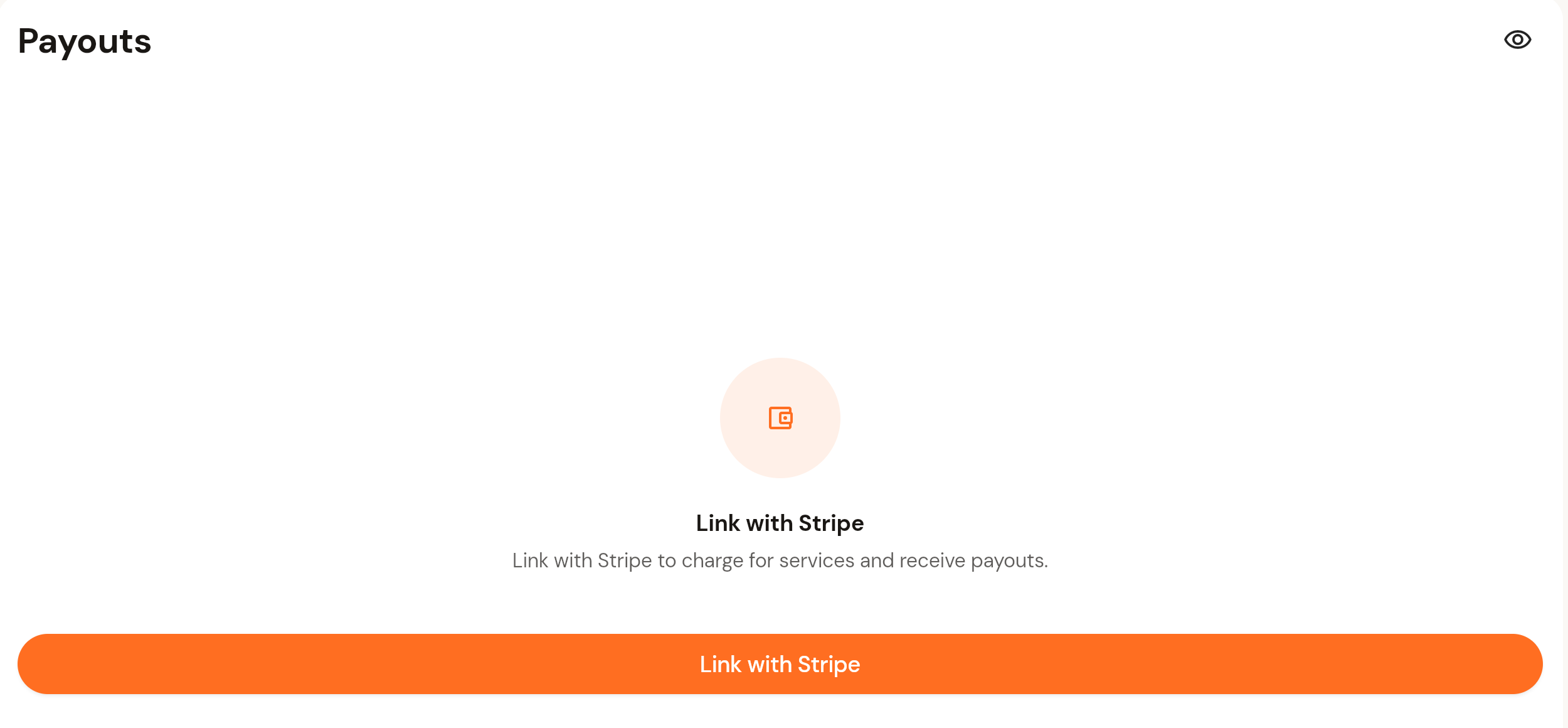
CoreCoach uses Stripe to take payments for your services and pay you out. Until Stripe is connected, services can only be created as Free, and the Payments, Subscriptions and Payouts pages show a Link with Stripe prompt instead of data.
Connect Stripe
In the left menu, open Services and click Payouts (the Payments and Subscriptions pages show the same prompt).
Click Link with Stripe.
You are taken to Stripe. Sign in to an existing Stripe account or create a new one, then follow Stripe's prompts to complete your business, identity and bank details.
When Stripe finishes, you are returned to CoreCoach. Open Services and click + New service: paid pricing models are now available in the Pricing model step.
If Stripe still asks for more information, the connection is not complete. Go back to Payouts and continue the Stripe setup until Stripe stops requesting action.
Was this helpful?
Still need help? Share an idea