How to manage payments, subscriptions and payouts
Where to find your Stripe payments, client subscriptions and payouts in CoreCoach.
Written By Jacob Elliott
Last updated About 2 months ago
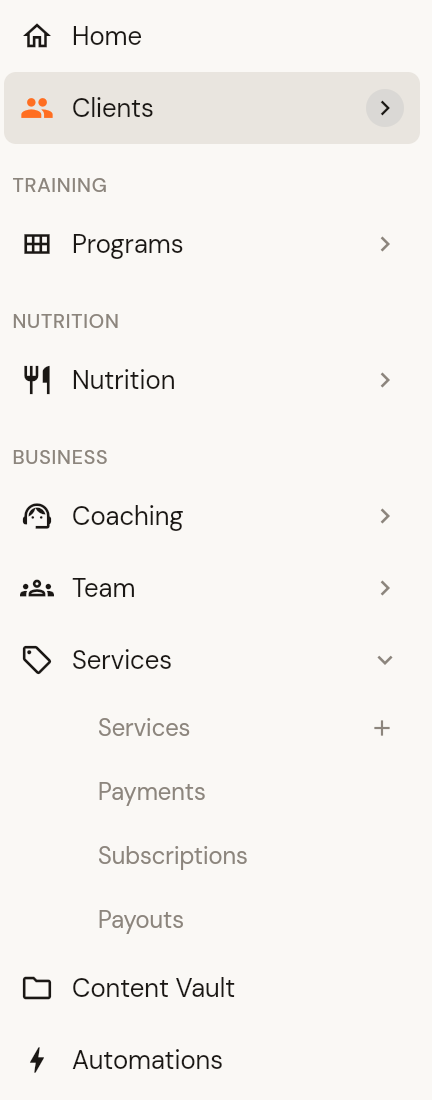
Everything to do with money from your services sits under Services in the left menu. It has three pages alongside your service list:
Payments: one-off and recurring payments clients have made for your services.
Subscriptions: clients on recurring services and the status of each subscription.
Payouts: transfers from Stripe to your bank account.
All three pages need a connected Stripe account. Until then they show a Link with Stripe button. See How to connect your Stripe account.
Change bank details or Stripe settings
Your bank account, business details and Stripe account settings are managed in Stripe, not in CoreCoach. Open the Payouts page to get to your Stripe account.
Per-service settings
Price, cancellation and pause policies, terms, welcome email and attachments are set on each service. Open the service from the Services list and use Edit in the three-dot menu. See How to create a service.
Was this helpful?
Still need help? Share an idea