How to build a training day (workout)
Add exercises to a day in a block, set the sets, reps, load, RIR, tempo and rest, and reorder or swap exercises.
Written By Jacob Elliott
Last updated About 2 months ago
In CoreCoach a workout is a training day inside a block. You build days in the program builder (Programs) or the block builder (Programs, then Blocks). The steps are the same in both.
Set up the day
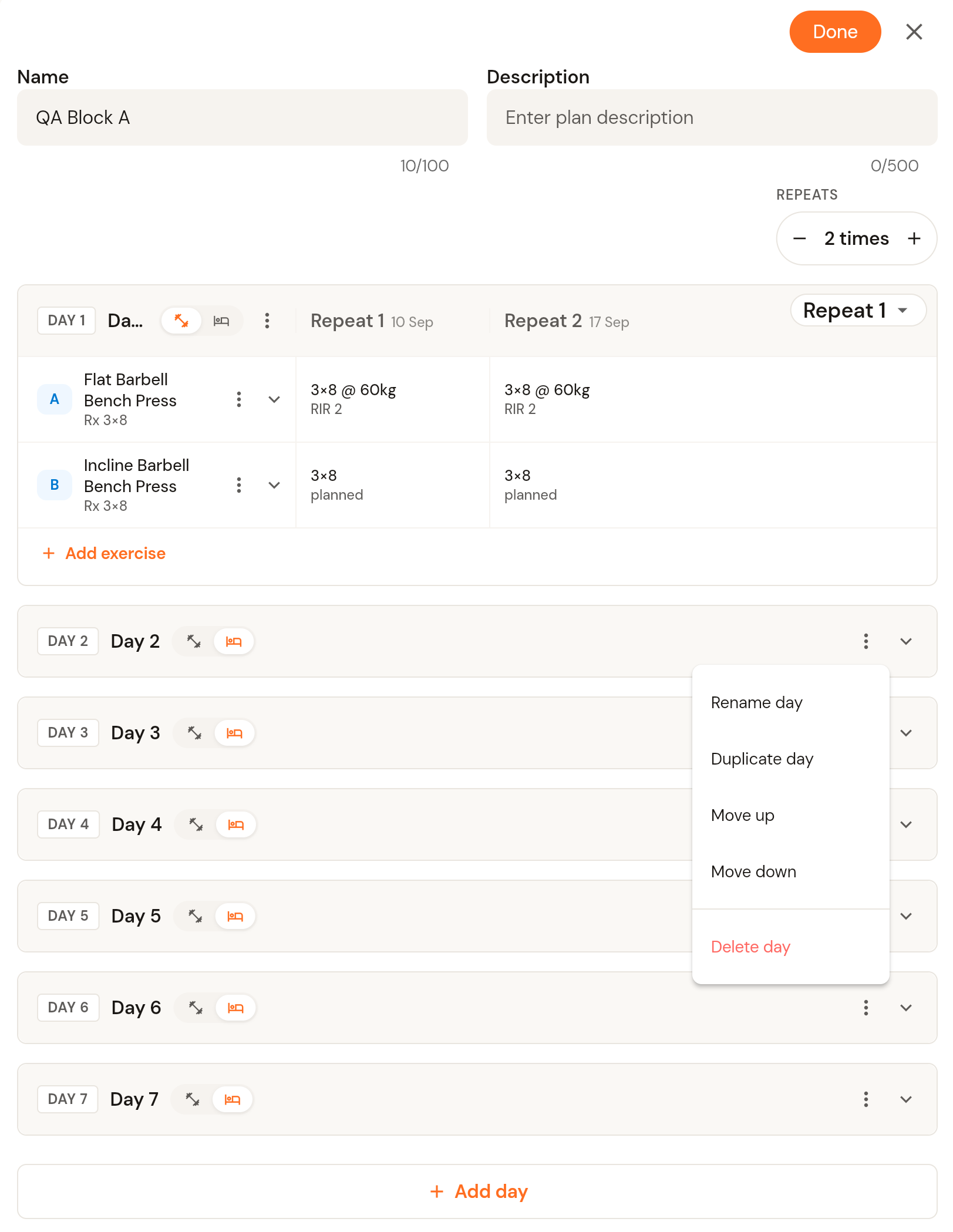
Open the program or block and find the day you want to build. Each day has two icons next to its name: the left one makes it a training day, the right one makes it a rest day.
Click the three-dot menu on a day to rename, duplicate, move up or move down, or delete it. Click + Add day at the bottom to add another day to the block.
Add exercises
On a training day, click + Add exercise.
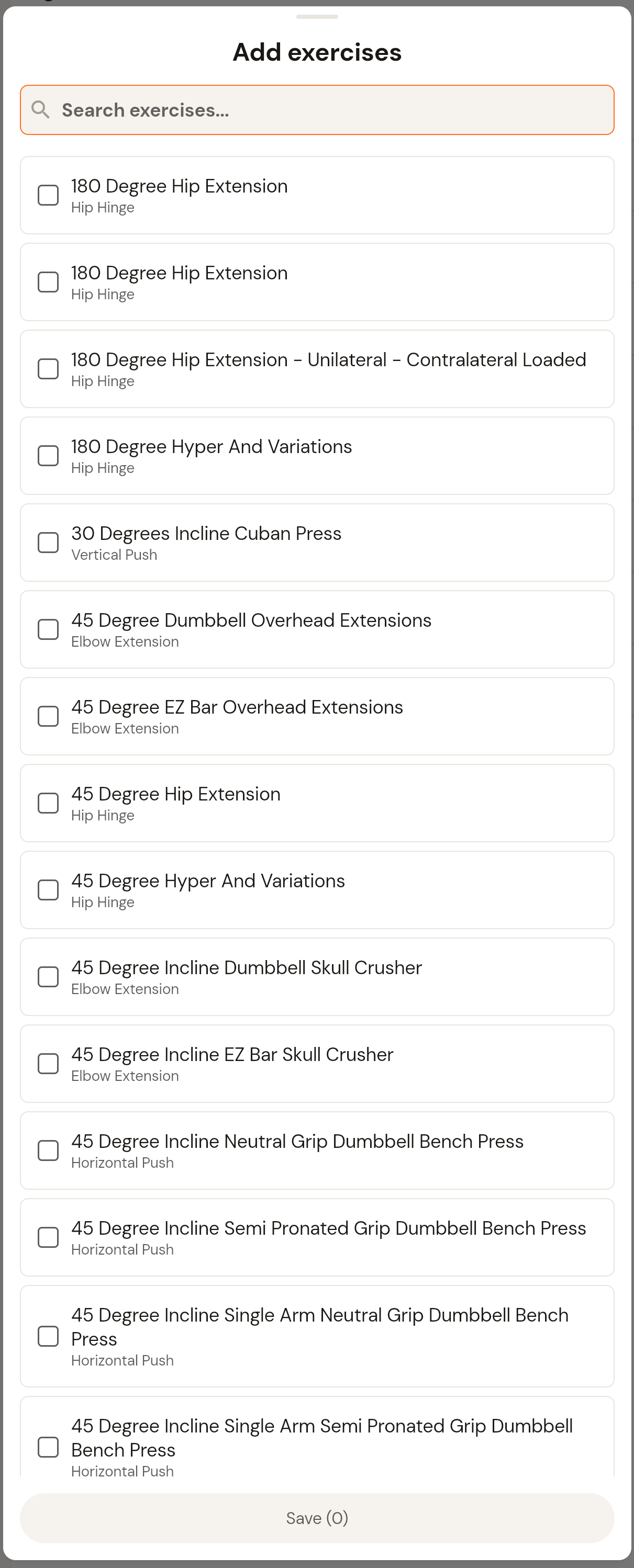
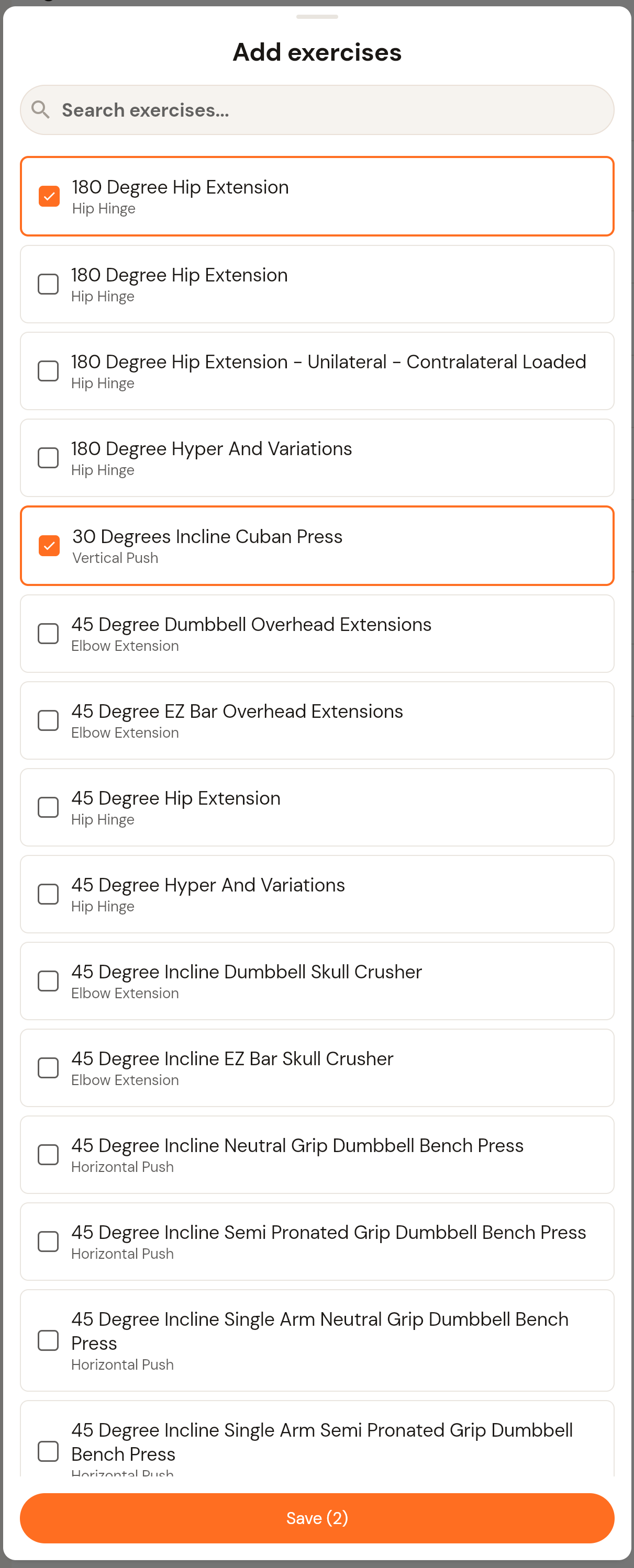
Search the library and tick every exercise you want to add. The count on the Save button shows how many you have selected.
Click Save. The exercises are added to the day in the order you selected them, labelled A, B, C and so on.
Set the prescription
Click the chevron on an exercise row to expand it.
Use + and - next to the set count to add or remove sets. Each set has its own row where you enter reps, load (kg) and RIR. Click the unit label to change it.
Set the tempo and rest for the exercise, and use the note icon to add coaching notes the client will see.
If the block repeats more than once, each repeat has its own column (Repeat 1, Repeat 2 and so on) so you can progress load or reps from week to week.
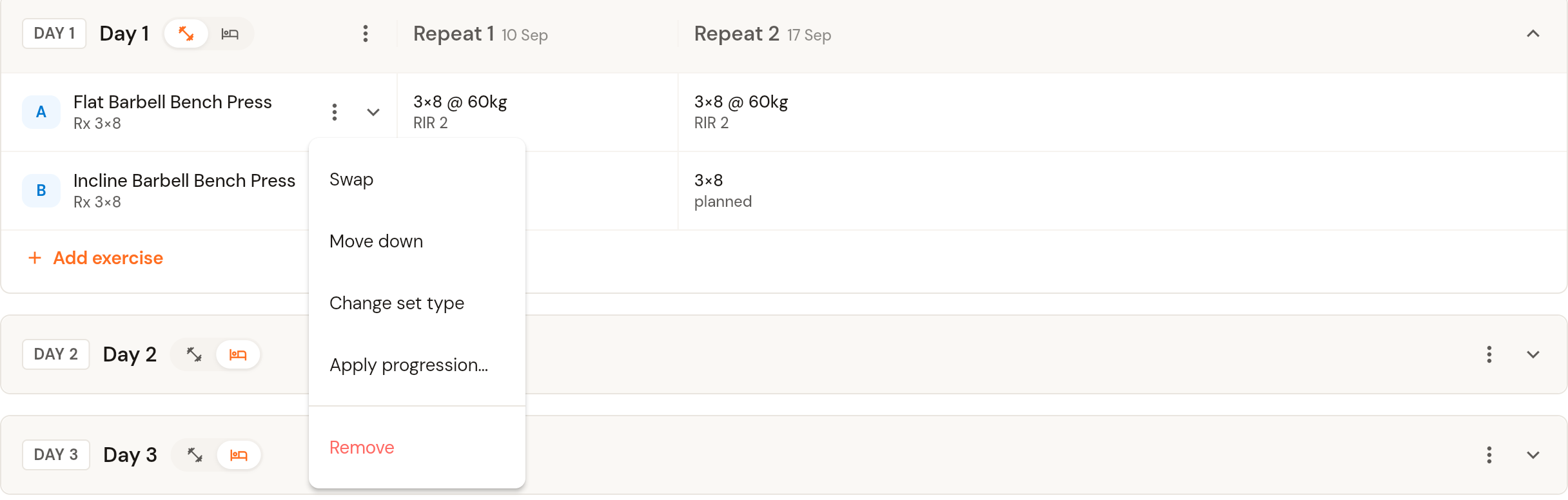
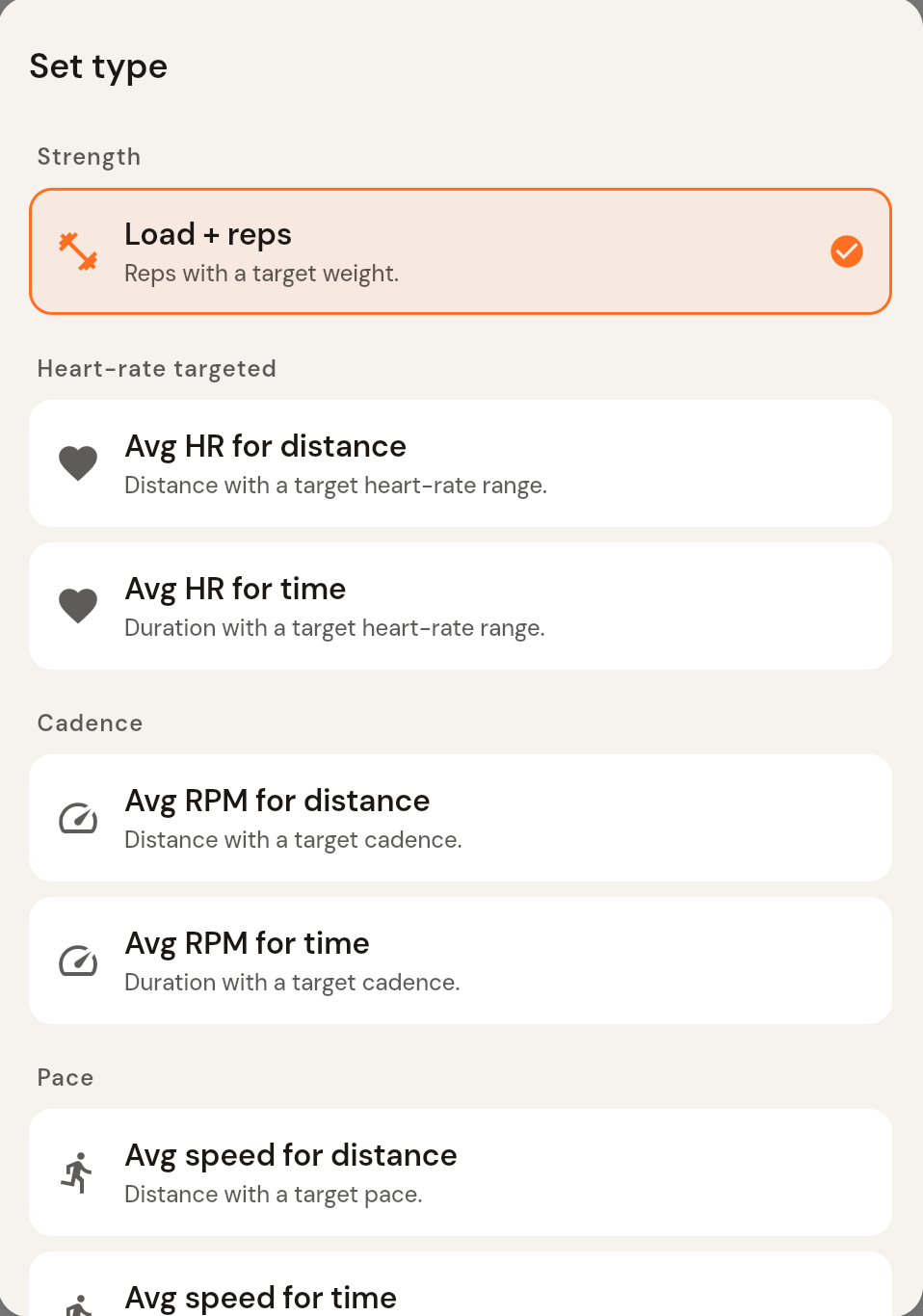
The three-dot menu on an exercise lets you swap it for another exercise, move it up or down, change the set type, or remove it.
Set types
Load and reps is the default, but an exercise can use a different set type. Open the exercise's three-dot menu and choose Change set type. Options include heart-rate targets (average HR for a distance or time), cadence (average RPM for a distance or time), pace (average speed for a distance or time), and simple targets (distance, time, or calories for time).
Progress an exercise across repeats
When a block repeats, the exercise menu also offers Apply progression. Enter the base reps, load and RIR for Repeat 1 and the amount to add per repeat; CoreCoach fills every repeat's master set for you. Leave a field's delta empty to keep it the same across repeats.
Save
Click Save in the top right when you are done. To reuse a group of exercises across many days or programs, build it once as a Section (Programs, then Sections) and import it into a day.
Was this helpful?
Still need help? Share an idea