How to add a video link to a built-in exercise
Attach your own demonstration video (MP4, YouTube or Vimeo) to a built-in exercise so your clients see it instead of the default.
Written By Jacob Elliott
Last updated About 2 months ago
You cannot edit CoreCoach's built-in exercises, but you can attach your own video to any of them. Only you and your clients see the video; the built-in exercise is unchanged for everyone else.
In the left menu, click Programs, then Exercises.
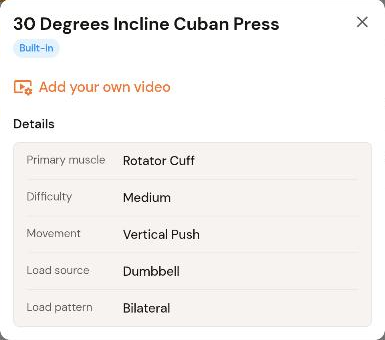
Find the exercise (search box or Filter) and click it to open its details.
Click Add your own video.
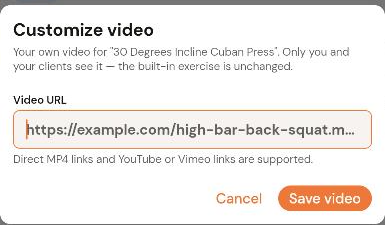
Paste the link into Video URL. Direct MP4 links and YouTube or Vimeo links are supported.
Click Save video.
Your video now plays for that exercise wherever it appears in your programs. To use a different video, open the exercise again and replace the URL.
Was this helpful?
Still need help? Share an idea