How to update or edit a client's program
Change a program that is already assigned to a client, or swap it for a different one.
Written By Jacob Elliott
Last updated About 2 months ago
Once a program is on a client, you can change it from the client's profile.
Open the client's program
Go to Clients and click the client's name.
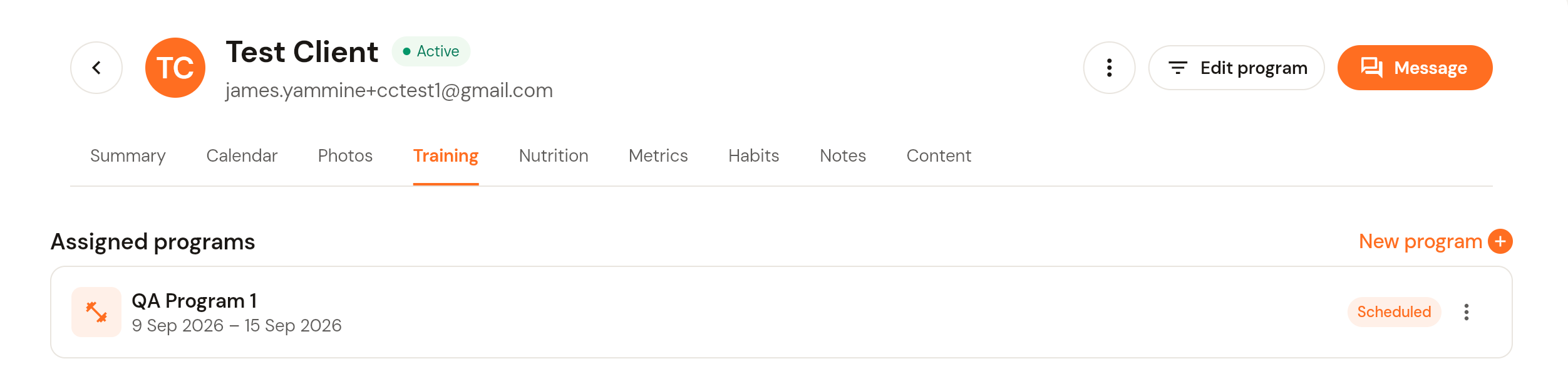
Open the Training tab. Every program assigned to the client is listed with its date range and status.
Click Edit program at the top of the profile. The program builder opens.
Make your changes
In the builder, edit the block, days and exercises as you would when building a program: rename or reorder days, switch a day between training and rest, add or remove exercises, and adjust sets, reps, load and RIR.
Use the Viewing selector (top right of the Structure tab) to check which version you are editing.
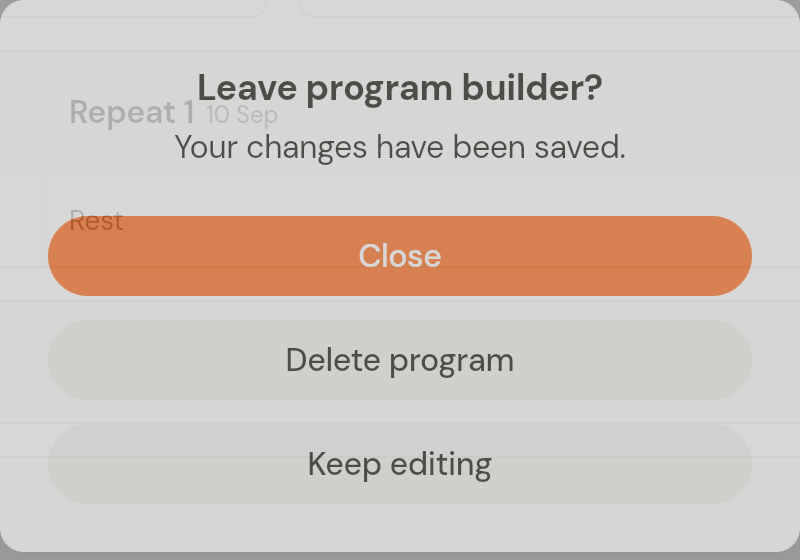
Click Save. If you navigate away, CoreCoach asks whether to close (your changes are saved), keep editing, or delete the program.
Swap the client to a different program
On the client's Training tab, click New program, pick the program you want and set its start date. CoreCoach warns you if the new dates overlap a program the client already has scheduled, so check the dates before you confirm. See How to assign a program to your client.
Was this helpful?
Still need help? Share an idea