How to edit, duplicate and delete habit plans
Change, copy or remove a habit plan from the Plans tab in CoreCoach.
Written By Jacob Elliott
Last updated About 2 months ago
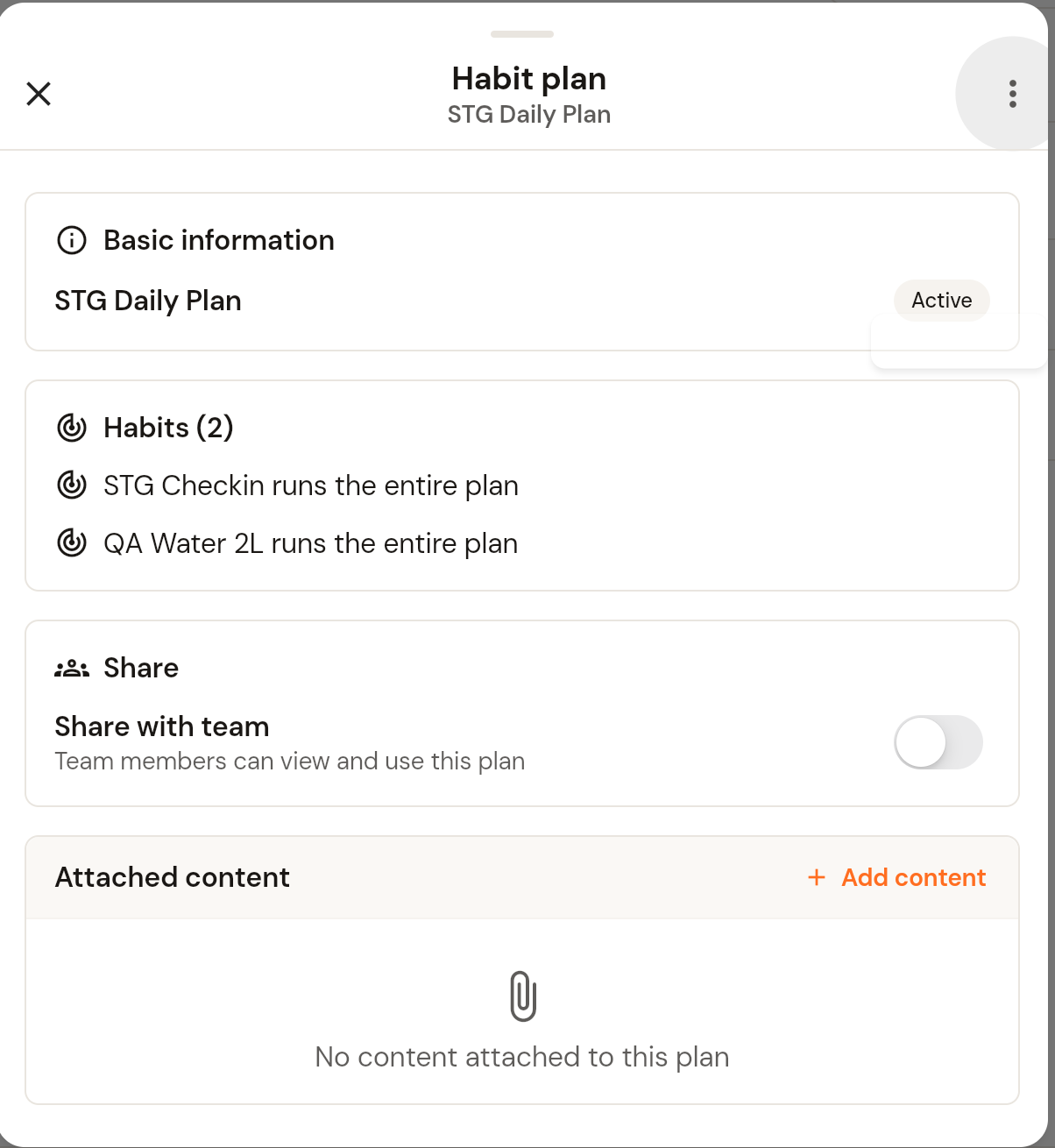
All habit plan actions live in one menu. In the left menu, open Clients, click Habits, open the Plans tab and click the plan. The Habit plan panel opens. Click the three-dot menu in the top right.
Edit a habit plan
Choose Edit. The same four-step wizard used to create the plan opens with the current values: name and description, habits, start day and duration for each habit, then review. Change what you need and save at the end.
Duplicate a habit plan
Choose Duplicate to create a copy you can rename and edit without changing the original.
Delete a habit plan
Choose Delete, then confirm. The confirmation warns that this cannot be undone.
Share with your team
Turn on Share with team in the plan panel so team members can view and use the plan.
Assign the plan
Choose Assign to client. See How to assign and manage habit plans.
Was this helpful?
Still need help? Share an idea