How to Edit Your Profile in CoreCoach
Editing your profile as a coach
Written By Jacob Elliott
Last updated About 17 hours ago
Your profile is what clients see when they view you as their coach. Keep your name, contact details and photo current.
Open your profile
In the left menu, click Profile (bottom left).
Your profile shows your name, coach badge, location and email, plus two sections: About (why work with me, who I work with, qualifications) and Contact & personal info (gender, date of birth, mobile, email, Instagram handle, time zone).
Edit your profile details
On the Profile page, click Edit profile (top right of the profile card).
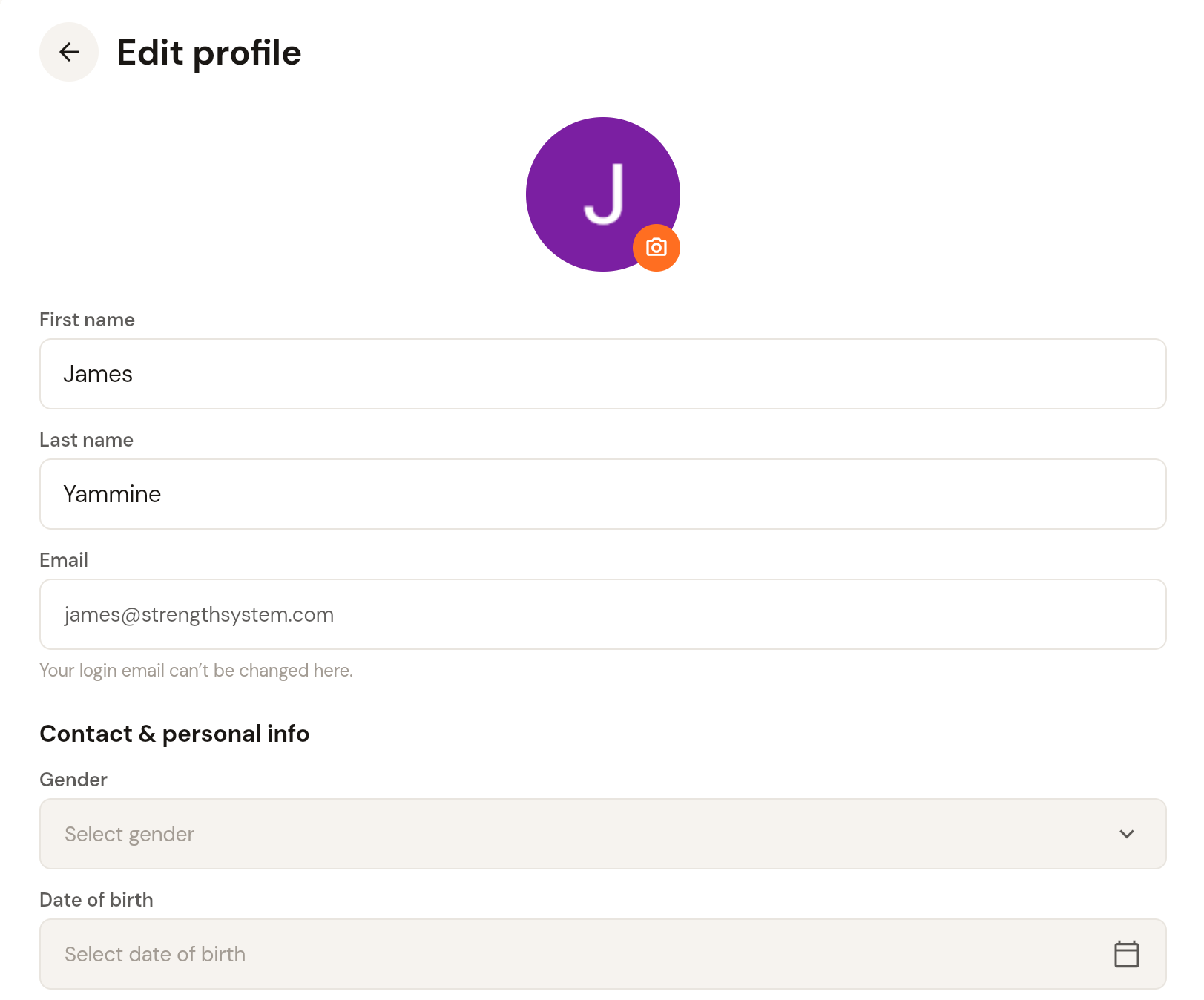
Click the camera icon on your avatar to change your profile photo.
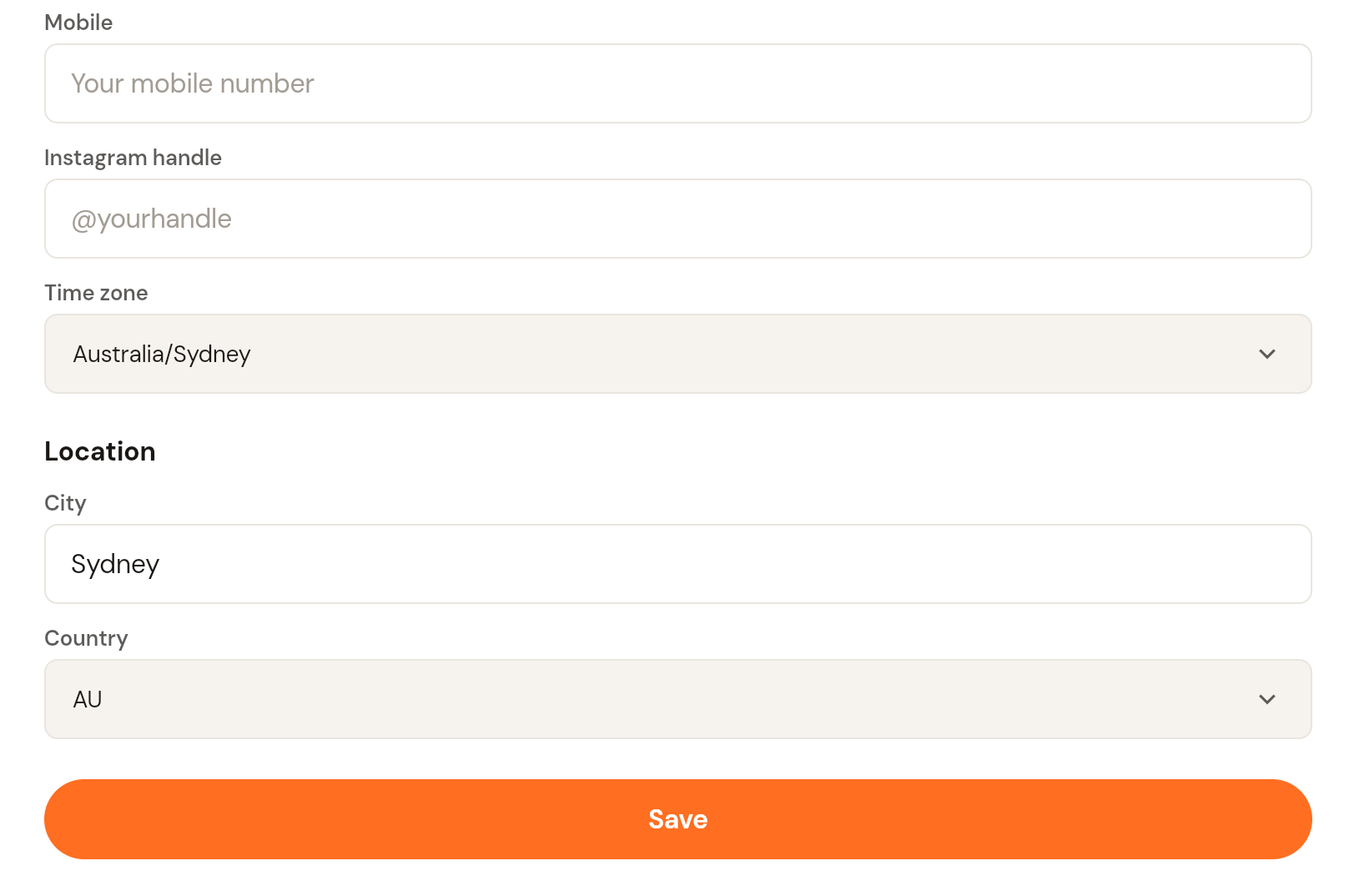
Update your first name, last name, gender, date of birth, mobile, Instagram handle, time zone, city and country. Your login email is shown here but cannot be changed on this screen.
Click Save.
Account settings
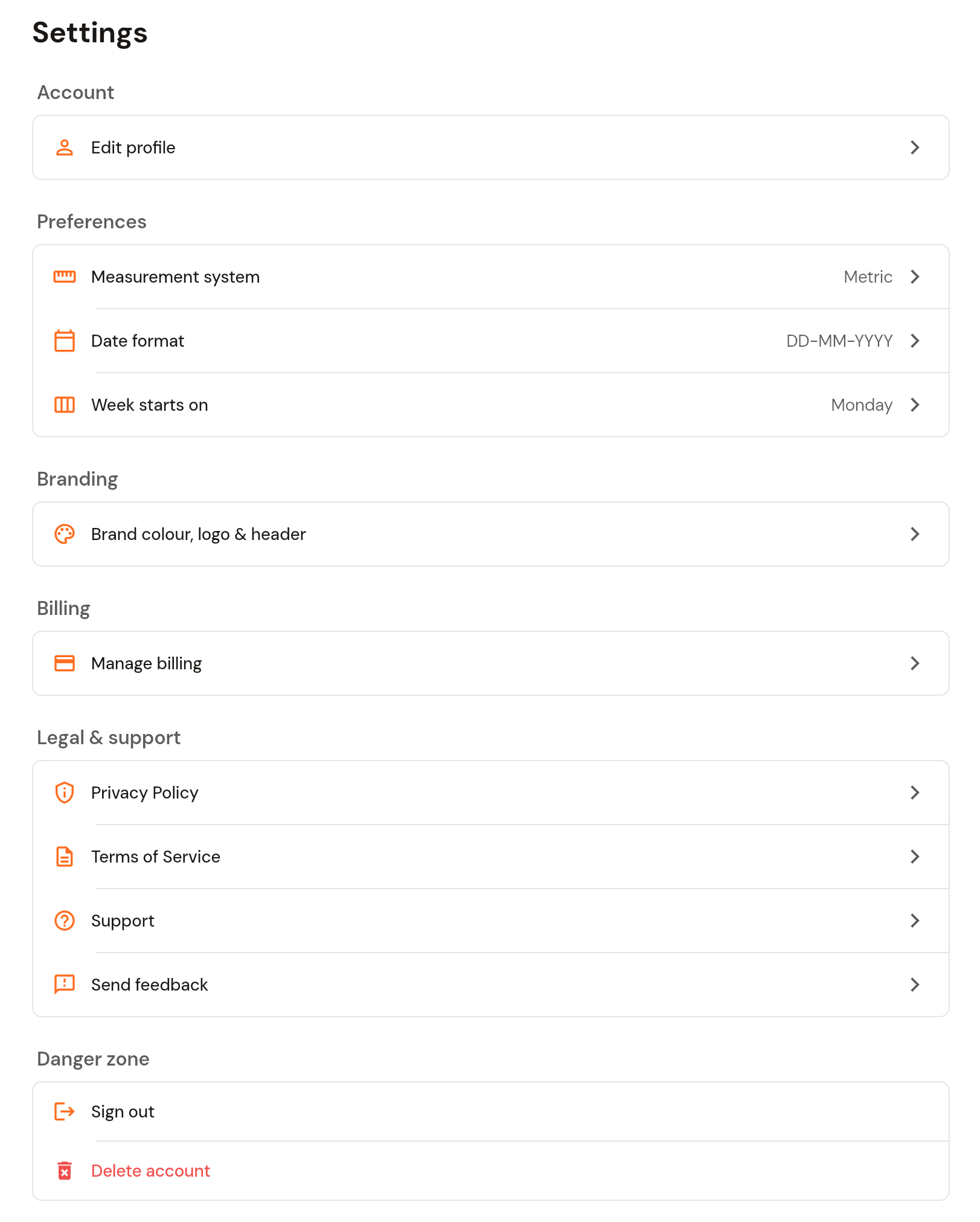
Settings that are not part of your profile live under Settings (bottom left, under Profile), or via the Settings button at the top of the Profile page. From there you can:
Preferences: measurement system (metric or imperial), date format, and the day your week starts on.
Branding: brand colour, logos and cover image. See How to set up white labelling.
Billing: manage your CoreCoach subscription.
Legal & support: privacy policy, terms of service, support and feedback.
Danger zone: sign out or delete your account.