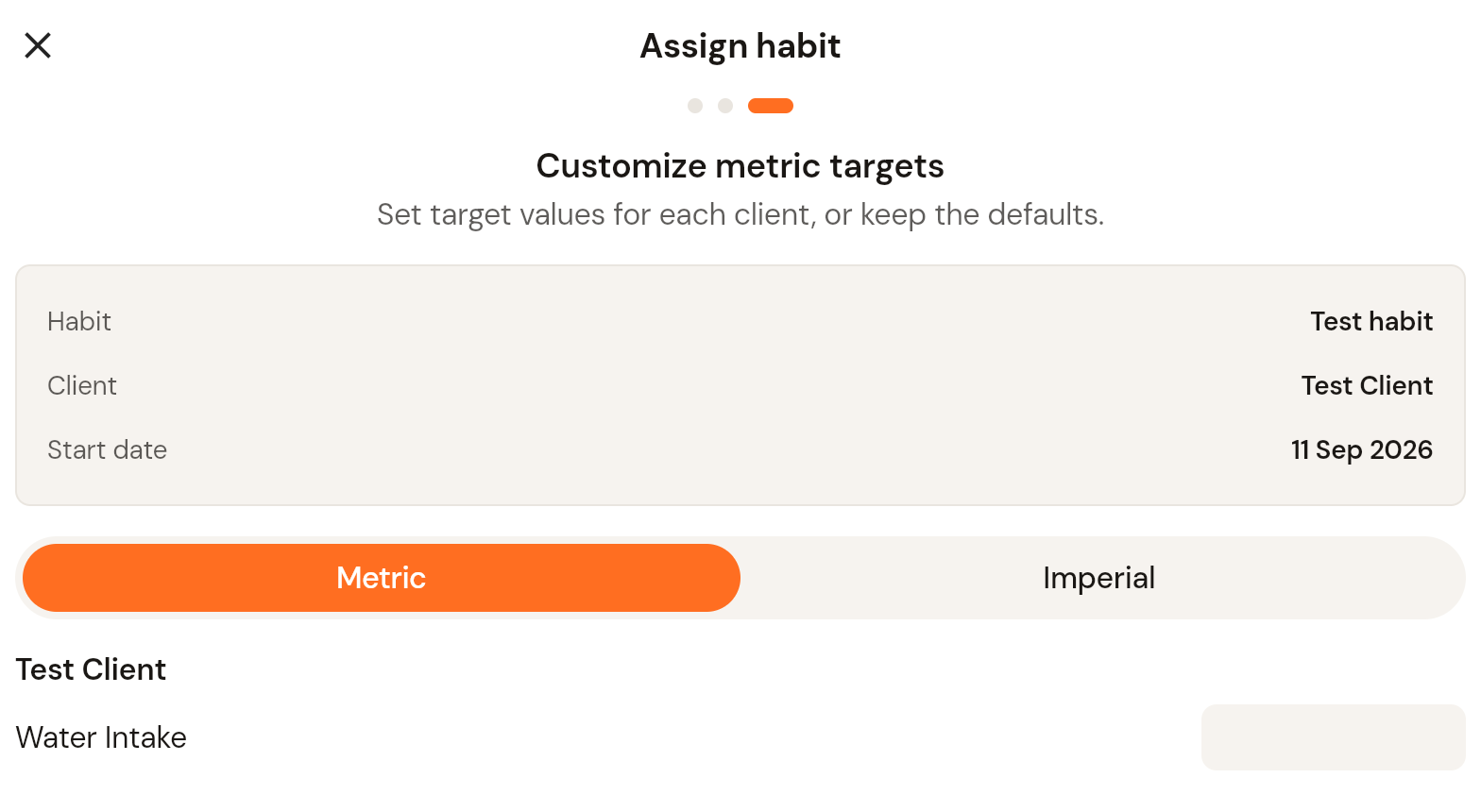
How to assign a habit to your client
Assign a habit template to one or more clients and set the start date and targets.
Written By Jacob Elliott
Last updated 2 minutes ago
You need a habit template first, either one of your own or a built-in one. See How to create a habit.
Assign a habit
In the left menu, open Clients and click Habits.
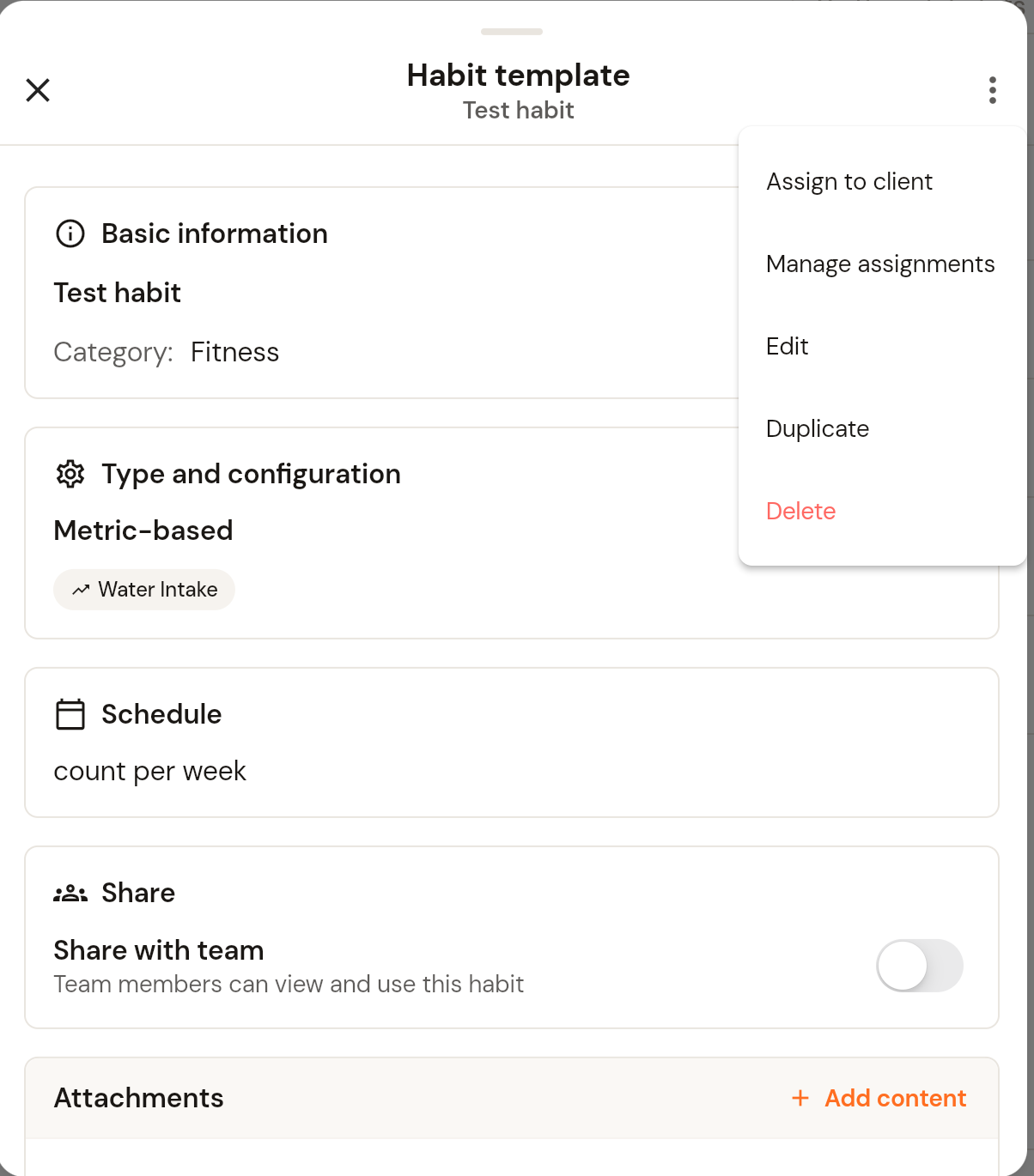
Click the habit in the Templates list to open the Habit template panel. It shows the habit's basic information, type, schedule, a Share with team toggle and any attached content.
Click the three-dot menu in the top right and choose Assign to client. The same menu has Manage assignments, Edit, Duplicate and Delete.
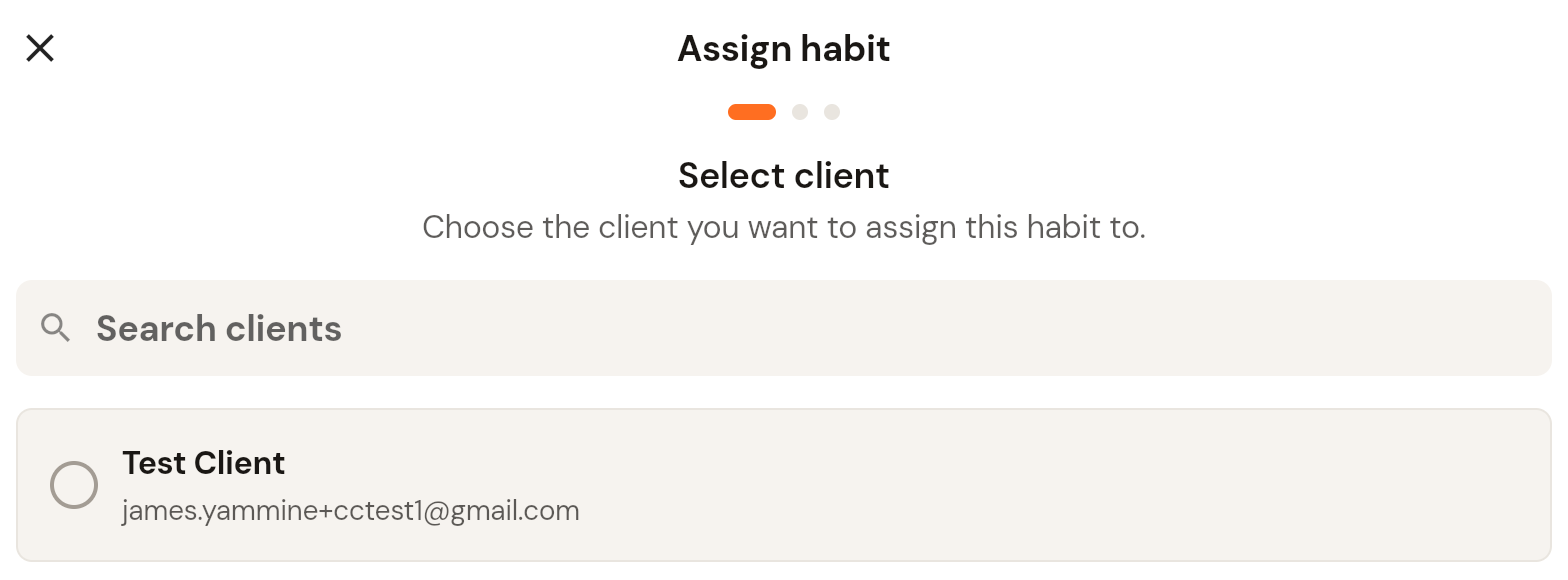
Select client: search for and tick the client, then click Continue.
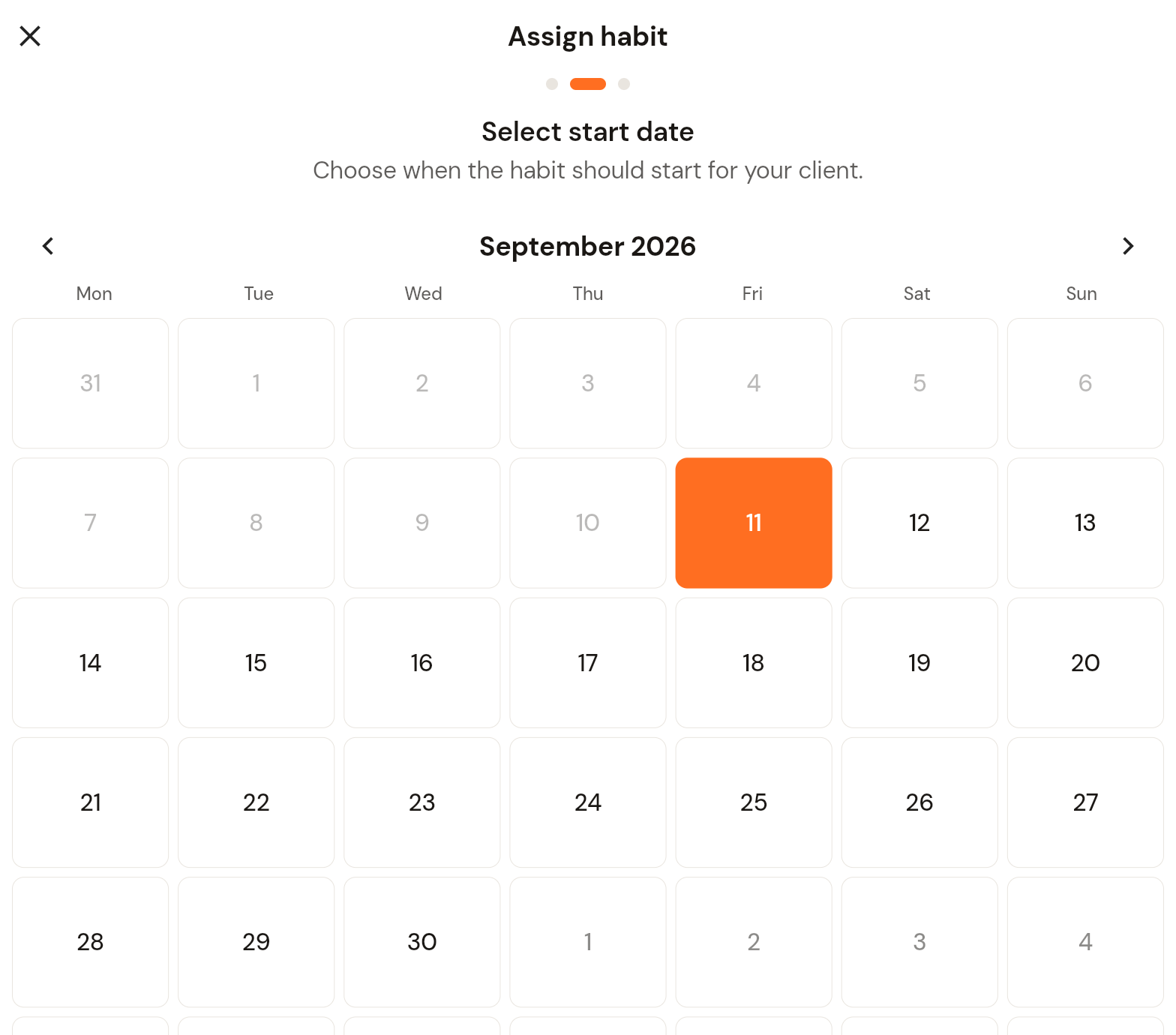
Select start date: pick the day the habit starts for the client. Past dates are greyed out. Click Continue.
Customize metric targets (Metric habits only): the summary shows the habit, client and start date. Choose Metric or Imperial units and set a target value for each client, or keep the defaults from the template.
Click Assign habit.
Change who has the habit
Open the habit template, click the three-dot menu and choose Manage assignments to add or remove clients.