Overview of habits
How habits, habit plans, forms, poses and metrics fit together in CoreCoach.
Written By Jacob Elliott
Last updated About 2 months ago
Habits are what clients see and tick off in their app. Everything else in the Clients section of the left menu (Forms, Metrics, Poses) is building material that gets attached to a habit. The habit is what you assign.
The four habit types
When you create a habit you choose one of four types:
Check-in: a simple yes/no tick. Needs nothing else.
Metric: the client logs a number, such as weight or water intake. You pick one or more metrics from the Metrics page (built-in or custom) and can set a target.
Form: the client fills in a form you built on the Forms page (category: Habit).
Photo: the client uploads progress photos in poses you set up on the Poses page.
Build order
Create any forms, custom metrics or poses you need. Built-in metrics are ready to use.
Create the habit and pick the type. Attach the form, metrics or poses on the type step.
Set frequency, timing and reminders, then create the habit.
Assign the habit to a client from the habit template's three-dot menu, or group habits into a habit plan (Habits > Plans tab) and assign the plan.
Where things live
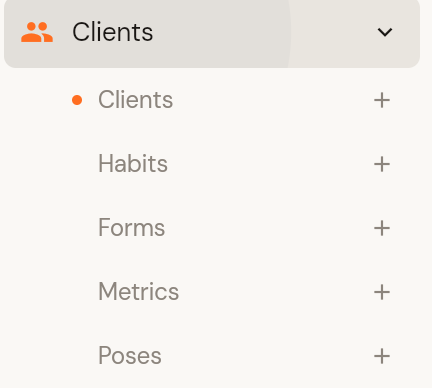
Open Clients in the left menu to see Clients, Habits, Forms, Metrics and Poses. Completed forms appear under Coaching > Form submissions.
Guides
Was this helpful?
Still need help? Share an idea